Building AI-Powered Workflows: A Practical Guide to Cosmic's Multi-Agent Automation

Cosmic
February 18, 2026
Build Multi-Agent AI Workflows That Compress Weeks Into Minutes
What if you could compress two weeks of work into twenty minutes? That is the promise of multi-agent AI workflows, and it is not science fiction -- it is happening right now on the Cosmic AI Platform.
While we have introduced AI Agents and AI Workflows in previous announcements, this guide takes a different approach. We are going hands-on with practical implementation patterns that show you exactly how to design, build, and optimize multi-agent workflows for real-world use cases.
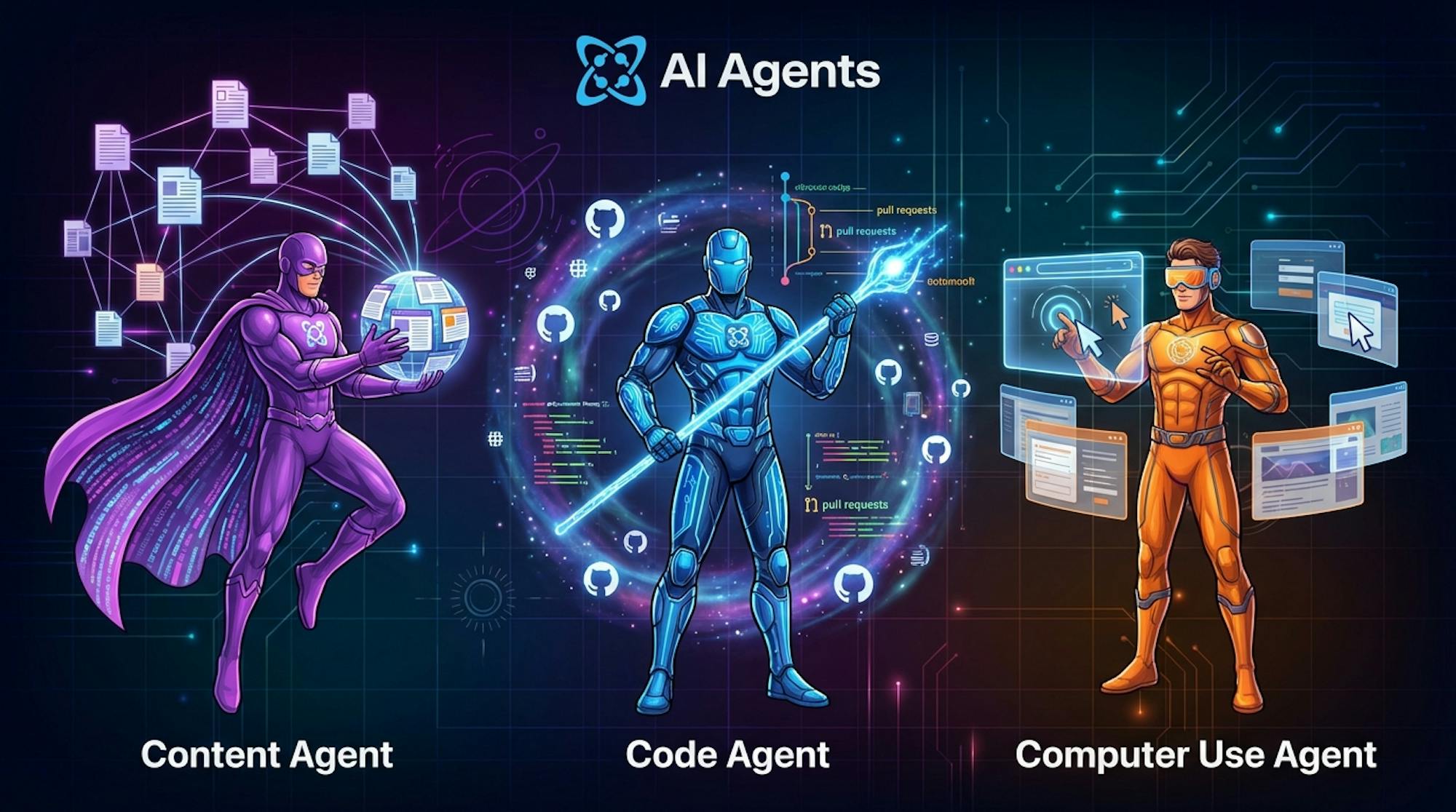
Understanding the Three Agents
Before diving into workflows, let's understand what each agent does best.
Content Agent
The Content Agent is your autonomous content operations specialist. It researches topics through progressive web discovery, understands your existing content structure, and generates perfectly formatted objects that match your CMS schema.
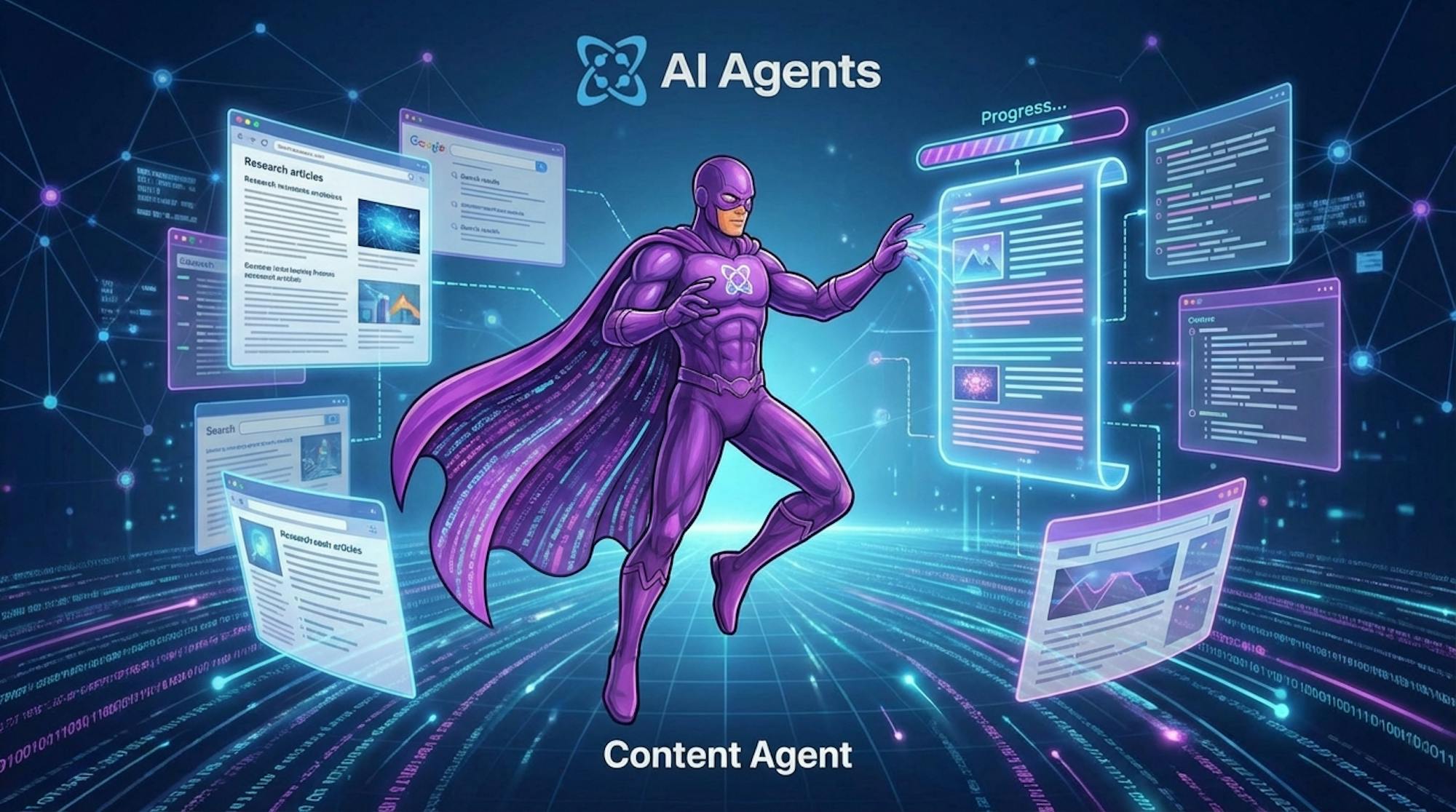
Key capabilities:
- Research-backed content creation via web discovery
- Schema-aware generation that matches your object types
- Batch operations for creating multiple pieces at scale
- Optional auto-publish or human review gates
- Email notifications on task completion
Code Agent
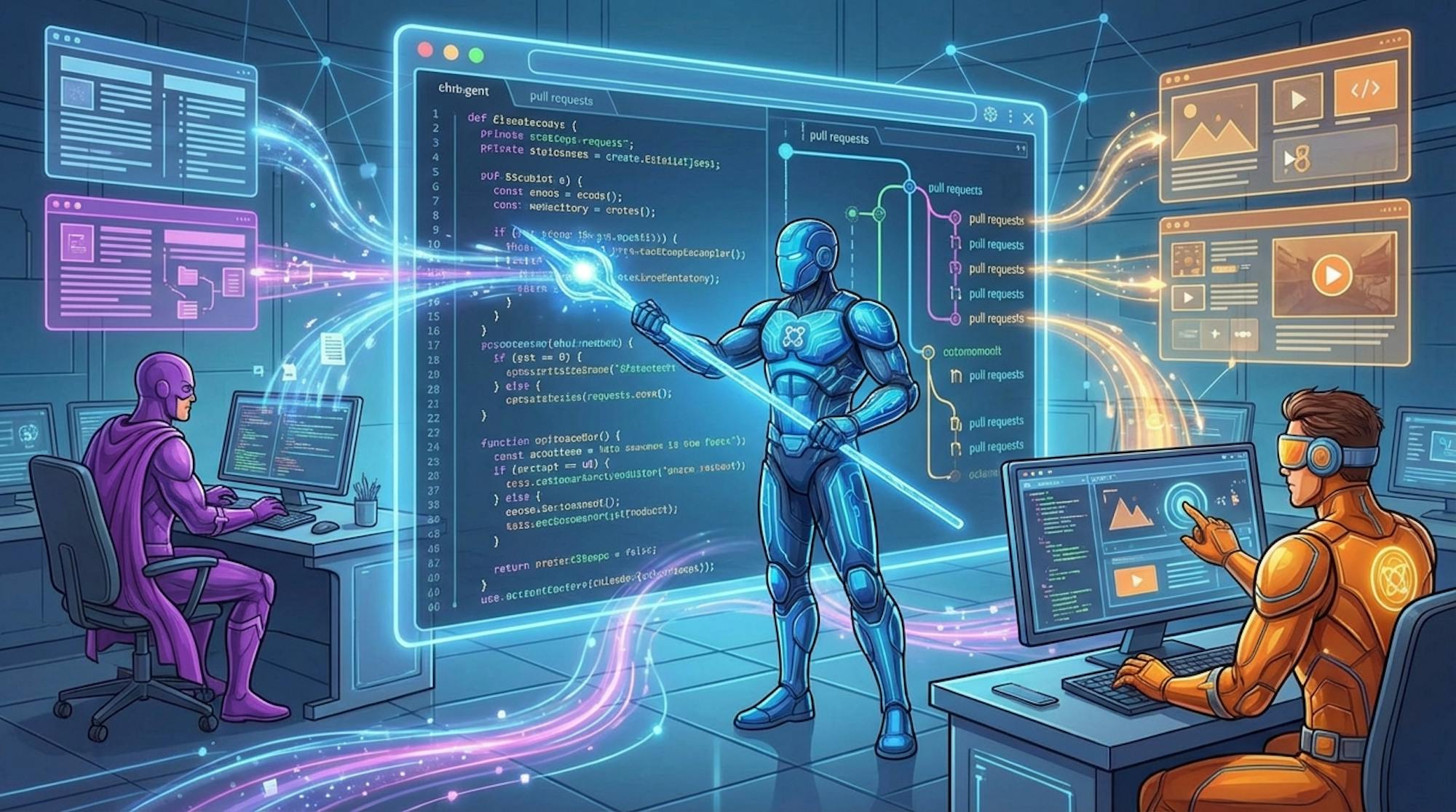
The Code Agent writes production-ready code and manages your GitHub repositories autonomously. It discovers relevant files, understands your codebase structure, and creates feature branches with proper commits and pull requests.
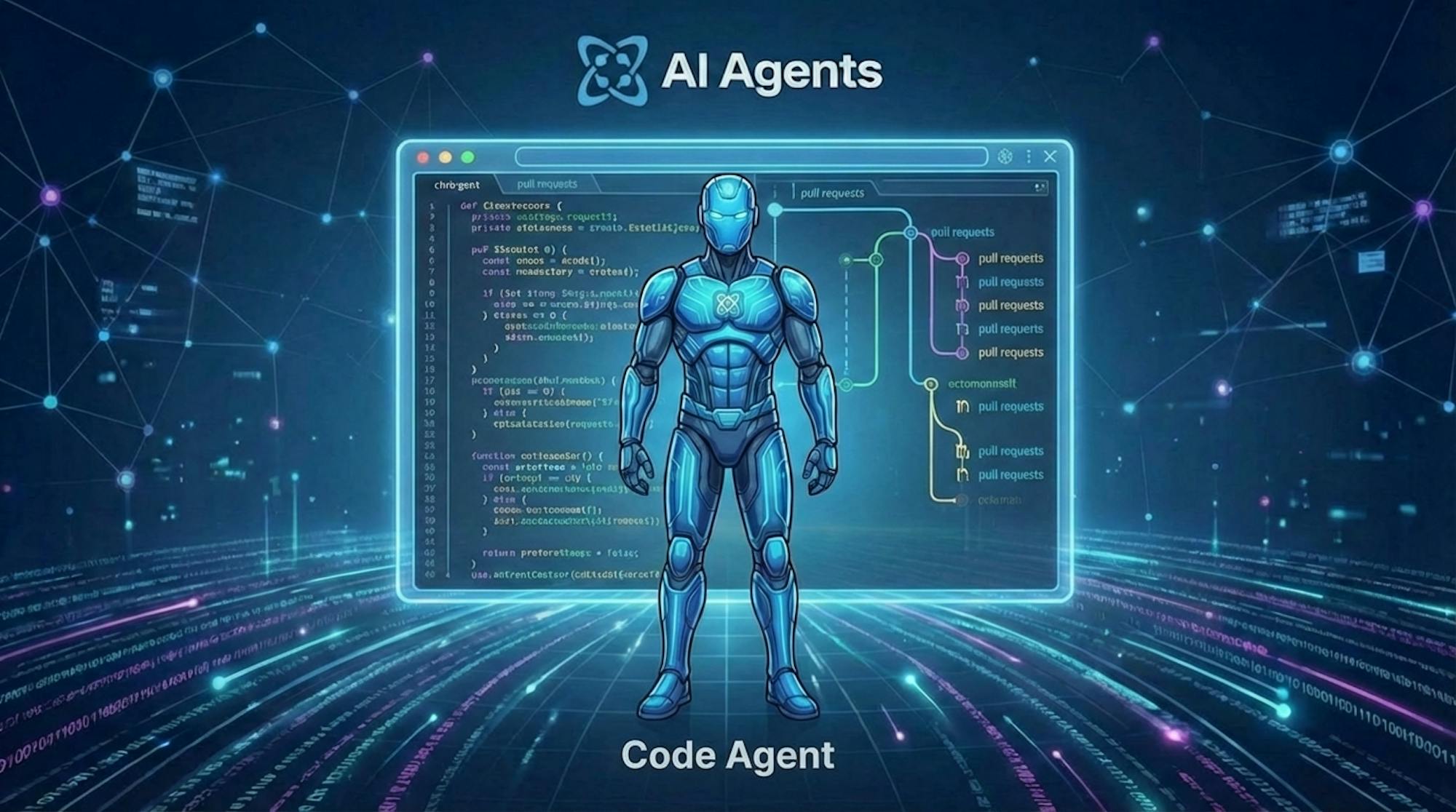
Key capabilities:
- Progressive file discovery and codebase understanding
- Automatic branch creation and conflict resolution
- Multi-iteration development cycles
- Support for Next.js, React, Astro, and Vue.js
- TypeScript and responsive design optimization
Computer Use Agent
The Computer Use Agent sees and controls browsers exactly like a human would. It fills forms, records professional demo videos with animated cursors, and extracts structured data with AI assistance.
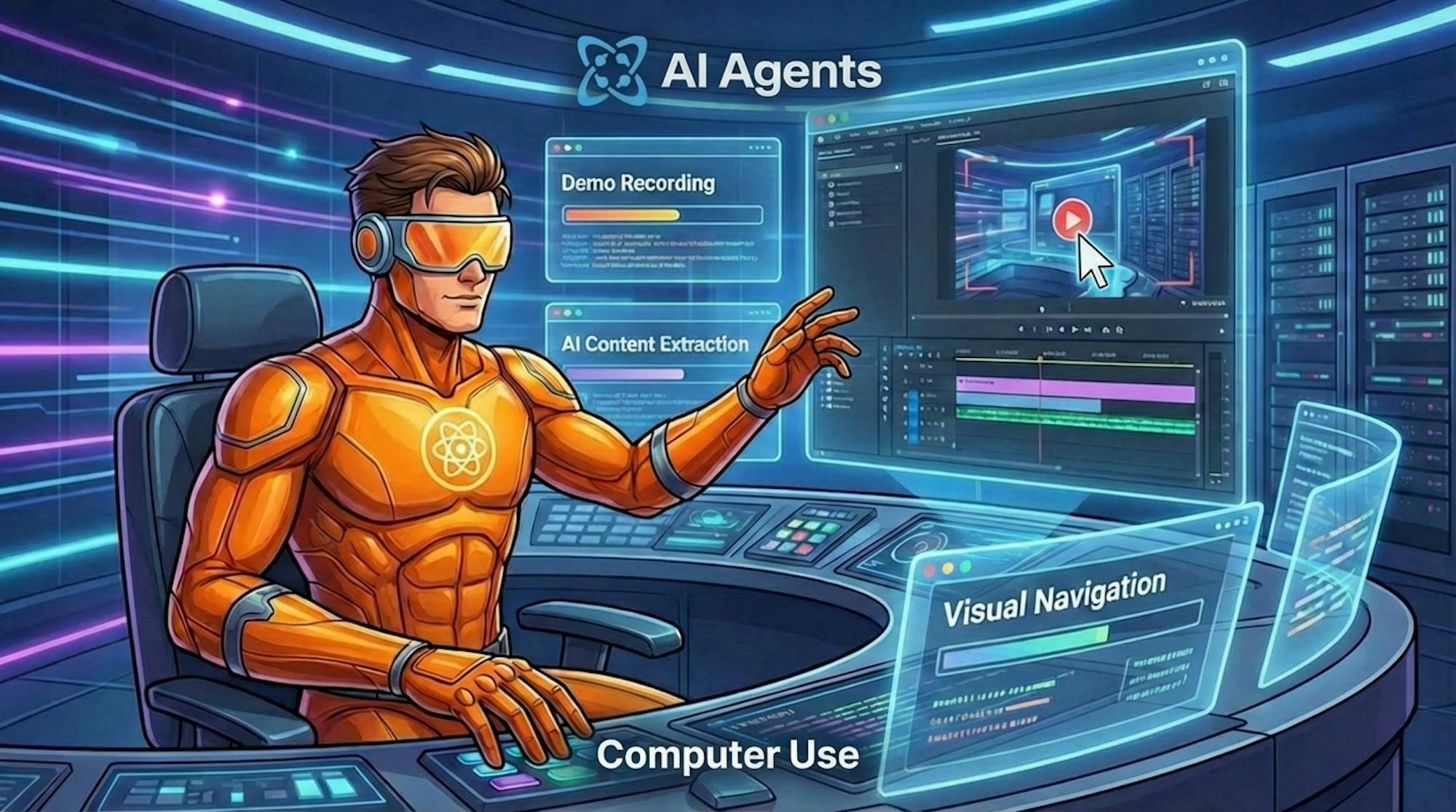
Key capabilities:
- Professional demo recording with cursor animations
- Cross-platform media transfer and management
- AI-powered content extraction from any website
- Visual navigation with stealth mode
- Authenticated session handling
Workflow Pattern 1: Content Marketing Pipeline
Use case: Automated blog post creation from research to publication
Time savings: 10x content velocity
How it works:
Step 1 - Research (Content Agent)
Prompt: Research trending topics in [your industry] from the past week.
Analyze competitor content and identify gaps in our existing coverage.
Step 2 - Generate (Content Agent)
Prompt: Based on the research, create a comprehensive blog post targeting
[keyword]. Match our existing content style and include relevant internal links.
Step 3 - Visual Assets (Computer Use Agent)
Prompt: Navigate to Unsplash and download 3 relevant images for the blog
post. Capture screenshots of any tools or interfaces mentioned in the
article, then upload the images to your Cosmic Media Library
(requires Cosmic dashboard log in authentication).
Step 4 - Publish (Content Agent)
Prompt: Add the generated images to the blog post and schedule
for publication on [date].
Real-world results:
Teams running this workflow report producing blog content at 10x their previous velocity. This could reduce annual costs from $385K (5 writers) to $80K (1 editor + AI), saving $305K per year while doubling output.
Ready to build this workflow? Copy the description below and paste it into the Automate area in your project's AI Studio area.
Build a 4-step Content Marketing Pipeline workflow. Step 1: Use the Content Agent to research trending topics in a specified industry from the past week and analyze competitor content to identify coverage gaps. Step 2: Use the Content Agent to create a comprehensive, SEO-optimized blog post targeting a specified keyword, matching existing content style with relevant internal links. Step 3: Use the Computer Use Agent to log in to the Cosmic dashboard, navigate to Unsplash, download 3 relevant images, capture screenshots of any tools or interfaces mentioned in the article, and upload the images to the Cosmic Media Library. Step 4: Use the Content Agent to attach the generated images to the blog post and schedule it for publication on a specified date (requires Cosmic dashboard log in authentication).
Workflow Pattern 2: Full Website Launch
Use case: Launch a complete website from scratch
Time savings: 99% (2-3 weeks to 20 minutes)
How it works:
Step 1 - Content Structure (Content Agent)
Prompt: Create a content model for a [business type] website including:
- Homepage with hero section, features, and testimonials
- About page with team members
- Services/products catalog
- Blog with categories and authors
Generate sample content for each section.
Step 2 - Application Code (Computer Use Agent)
Prompt: Log in to the Cosmic dashboard and navigate to the AI Studio
code generation area. Generate a Next.js application using the Cosmic
JavaScript SDK that renders all the content types created in Step 1.
Ensure the generated application includes:
- Responsive navigation
- Dynamic routing for all pages
- SEO optimization with meta tags
- A validated contact form
- An ecommerce cart with add-to-cart and checkout functionality
Submit the generation request and confirm the application is created
successfully (requires Cosmic dashboard log in authentication).
Step 3 - Feature Development (Code Agent)
Prompt: Connect to the GitHub repository generated in Step 2. Review
the existing codebase and extend it with the following features:
- Enhanced contact form with server-side validation and email notifications
- Full ecommerce cart with product quantity management, cart persistence,
  and a multi-step checkout flow
- Stripe payment integration with order confirmation
- Inventory management that syncs with Cosmic CMS product objects
Open a pull request for each feature with a detailed description of
the changes made.
Step 4 - Demo Recording (Computer Use Agent)
Prompt: Record a 60-second demo video showing the website in action.
Navigate through all main pages, demonstrate the mobile responsiveness,
show the contact form submission, and walk through adding a product to
the cart and completing a checkout.
This four-step workflow produces a production-ready website with content, feature-rich application code, and marketing assets -- all from a single workflow definition.
Ready to build this workflow? Copy the description below and paste it into the Automate area in your project's AI Studio area.
Build a 4-step Full Website Launch workflow. Step 1: Use the Content Agent to create a complete content model for a specified business type, including homepage sections (hero, features, testimonials), an about page with team members, a services or products catalog, and a blog with categories and authors -- then generate sample content for each section. Step 2: Use the Computer Use Agent to log in to the Cosmic dashboard, navigate to the AI Studio code generation area, and generate a Next.js application using the Cosmic JavaScript SDK that renders all created content types with responsive navigation, dynamic routing, SEO meta tags, a validated contact form, and ecommerce cart functionality (requires Cosmic dashboard log in authentication). Step 3: Use the Code Agent to connect to the generated GitHub repository and extend the codebase with an enhanced contact form with email notifications, a full ecommerce cart with quantity management and cart persistence, a multi-step checkout flow with Stripe payment integration, and inventory management synced with Cosmic CMS -- then open a pull request for each feature. Step 4: Use the Computer Use Agent to record a 60-second demo video navigating through all main pages, demonstrating mobile responsiveness, showing the contact form in action, and walking through the cart and checkout experience.
Workflow Pattern 3: Multi-Channel Content Distribution
Use case: Transform blog posts into platform-specific content
Time savings: 8 hours per week
How it works:
Step 1 - Extract (Content Agent)
Prompt: Analyze our latest blog post and extract:
- Key takeaways (5 bullet points)
- Quotable statements
- Statistics and data points
- Main argument summary
Step 2 - Transform (Content Agent)
Prompt: Create platform-specific versions:
- Twitter/X thread (10 tweets max)
- LinkedIn article summary (300 words)
- Instagram carousel script (8 slides)
- Email newsletter section (150 words)
Step 3 - Distribute (Computer Use Agent)
Prompt: Using parallel steps, publish the content to each social platform
directly. For each platform, authenticate with the stored credentials and
post the platform-specific content:
- Log in to Twitter/X and post the prepared thread
- Log in to LinkedIn and publish the article summary
- Log in to Instagram and create the carousel post
Each platform requires its own authenticated browser session.
Ready to build this workflow? Copy the description below and paste it into the Automate area in your project's AI Studio area.
Build a 3-step Multi-Channel Content Distribution workflow. Step 1: Use the Content Agent to analyze the latest blog post and extract key takeaways as 5 bullet points, quotable statements, statistics and data points, and a main argument summary. Step 2: Use the Content Agent to transform the extracted content into platform-specific versions: a Twitter/X thread of up to 10 tweets, a 300-word LinkedIn article summary, an 8-slide Instagram carousel script, and a 150-word email newsletter section. Step 3: Use parallel Computer Use Agent steps to post directly to each social platform -- authenticate with stored credentials and post to Twitter/X, LinkedIn, and Instagram simultaneously, with each platform requiring its own authenticated browser session.
Workflow Pattern 4: Automated Content Optimization
Use case: Keep your content library fresh and accurate
Time savings: 95% less manual work
Schedule: Weekly (Mondays at 2 AM)
How it works:
Step 1 - Audit (Content Agent)
Prompt: Scan all blog posts older than 6 months. Flag articles with:
- Outdated statistics or references
- Broken external links
- Deprecated code examples
- Missing internal links to newer content
Step 2 - Validate (Computer Use Agent)
Prompt: Visit each flagged external link and verify it's still active.
Capture screenshots of any 404 pages or redirects. Check if referenced
tools have updated their interfaces.
Step 3 - Update (Content Agent)
Prompt: For each flagged article, create an updated version with:
- Current statistics and sources
- Working links (or suitable replacements)
- Updated code examples
- New internal links to relevant recent content
Save as drafts for editorial review.
Ready to build this workflow? Copy the description below and paste it into the Automate area in your project's AI Studio area.
Build a 3-step Automated Content Optimization workflow scheduled to run every Monday at 2 AM. Step 1: Use the Content Agent to scan all blog posts older than 6 months and flag articles with outdated statistics or references, broken external links, deprecated code examples, or missing internal links to newer content. Step 2: Use the Computer Use Agent to visit each flagged external link, verify it is still active, capture screenshots of any 404 pages or redirects, and check whether referenced tools have updated their interfaces. Step 3: Use the Content Agent to create updated versions of each flagged article with current statistics and sources, working links or suitable replacements, updated code examples, and new internal links to relevant recent content -- then save all updates as drafts for editorial review.
Best Practices for Multi-Agent Workflows
1. Design for context passing
Each step's output becomes the next step's input. Write prompts that produce structured, parseable output the next agent can use effectively.
2. Use approval gates strategically
For high-stakes content (press releases, legal pages), add human review checkpoints. For routine operations, let workflows run autonomously.
3. Monitor costs and token usage
Cosmic provides real-time visibility into token usage and costs per execution. Set budgets and alerts to avoid surprises.
4. Start small, then scale
Begin with a simple two-step workflow. Once you understand the patterns, expand to complex multi-agent orchestrations.
5. Clone successful workflows
When a workflow performs well, clone it as a template for similar use cases. Build a library of proven patterns your team can reuse.
Getting Started
Ready to build your first multi-agent workflow? Here is how:
- Define your workflow in the Cosmic dashboard under AI and then Workflows
- Add steps for each agent you need (Content, Code, Computer Use)
- Configure triggers (manual, scheduled, or webhook-based)
- Set approval gates where human review is needed
- Run and iterate based on results
Workflows can run on-demand or be scheduled to run automatically -- 24/7 without intervention.
The ROI Reality
The numbers speak for themselves:
- 99% time savings compared to manual processes
- 100x faster operations (weeks compressed to minutes)
- 99.9% cost reduction on specific workflows ($150K to $95)
- $1.6M+ potential annual savings for enterprise teams
These are not theoretical projections. Teams using Cosmic's multi-agent workflows are achieving these results today.
Keep Learning
If this guide sparked ideas for your team, these related resources will help you go deeper:
Explore AI-powered content workflows in practice. Our post AI-Powered Content Workflows: From Concept to Publication Faster with Cosmic covers how AI agents fit into the broader content lifecycle, from intelligent drafting and automated SEO to composable content assembly and human approval gates. A great companion read for teams thinking about end-to-end pipeline design.
See the latest AI models in action. Curious which model to use inside your workflows? Read our hands-on comparison Claude Sonnet 4.6 vs Sonnet 4.5: A Real-World Comparison to understand how model choice affects code quality, design output, and reasoning on real-world builds through the Cosmic AI Platform.
Dive into the documentation. The Cosmic AI Studio docs walk you through setting up agents, building workflows, and configuring triggers step by step.
Start building for free. Sign up for a Cosmic account with no credit card required and launch your first workflow today.
What's Next
Multi-agent workflows represent a fundamental shift in how we approach content operations and software development. The question is not whether to adopt them -- it is how quickly you can integrate them into your existing processes.
Start with one workflow. Automate one repetitive task. Measure the results. Then scale from there.
The future of content and code is autonomous, and it is available now on the Cosmic AI Platform.