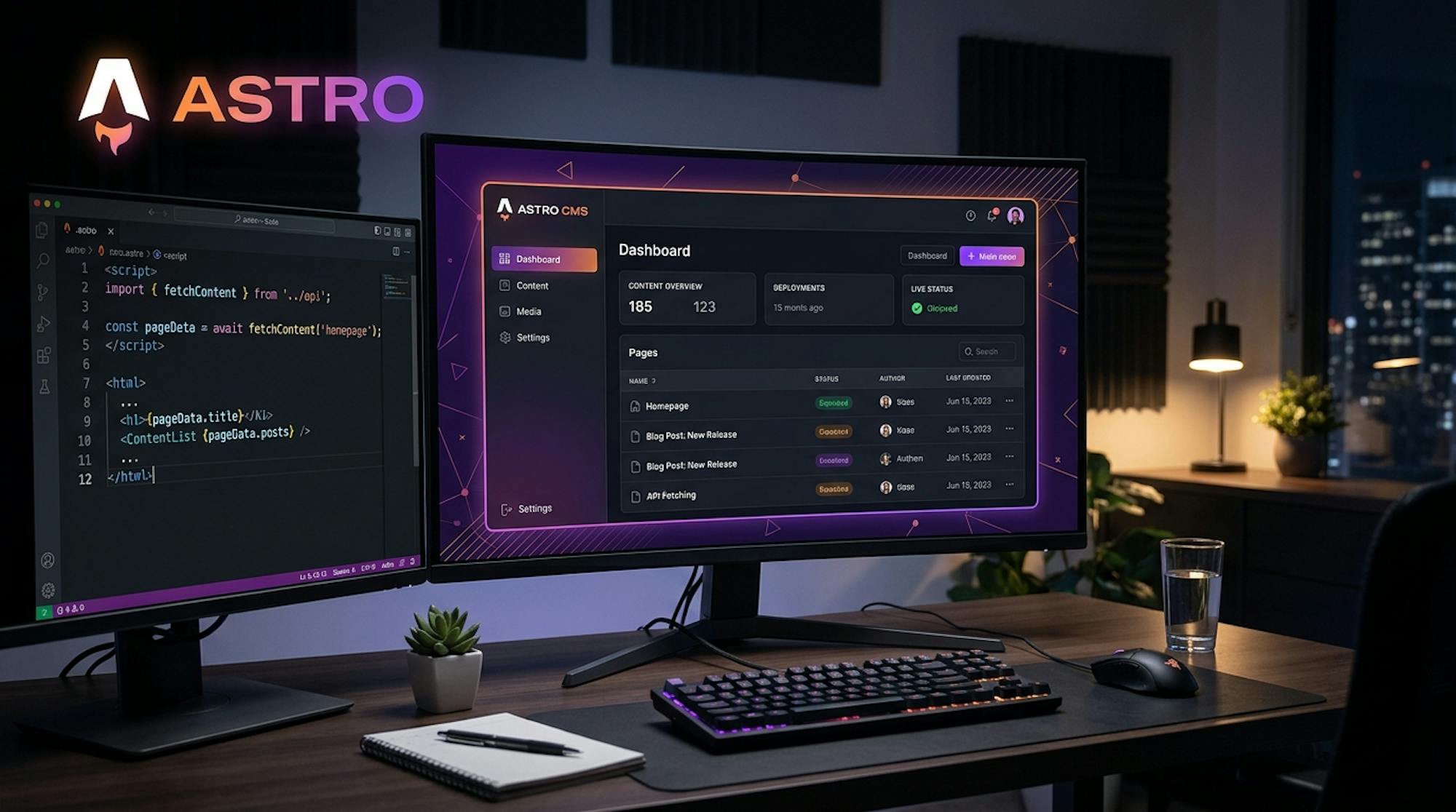
Why Astro Developers Need a Headless CMS
Astro was designed from the ground up for content-heavy sites. Its island architecture, zero-JS-by-default output, and first-class support for static rendering make it the fastest path to a high-performance website. But content still has to live somewhere, and local Markdown files only scale so far.
A headless CMS for Astro gives you the best of both worlds: Astro's performance-first rendering model, backed by a structured content API that your entire team can use without touching code. Editors get a visual dashboard. Developers get clean JSON through a REST API. The site stays fast.
The practical benefits for Astro teams:
- Content without code coupling. Your
.astrocomponents fetch content from an API. Editors publish updates without a deployment. Builds are triggered by webhooks, not by copying Markdown files into a repo. - Structured content modeling. Define fields once in Cosmic, get typed JSON back every time. No more parsing frontmatter by hand or guessing which fields exist on a given content type.
- Scale beyond Markdown. Local content collections are great for small sites. A headless CMS is the right call when multiple editors, multiple content types, or structured relational data enter the picture.
- SSG and SSR, both covered. Whether you're shipping a fully static site or using an SSR adapter for server-rendered pages, the Cosmic REST API works identically in both modes.
How Cosmic Works with Astro
Cosmic provides a REST API and an official JavaScript SDK. No Astro-specific adapter is required. You install the SDK (or use native fetch), set two environment variables, and you're fetching content in your .astro files within minutes.
Install the SDK
npm install @cosmicjs/sdk
Set Your Environment Variables
Add your Cosmic credentials to .env at the root of your Astro project:
COSMIC_BUCKET_SLUG=your-bucket-slug
COSMIC_READ_KEY=your-read-key
Find both in your Cosmic dashboard under Bucket Settings > API Access.
Fetching Content in an Astro Component (SSG)
Astro's component frontmatter runs at build time by default. Fetch your content there, and Astro bakes it into static HTML at build time. The result: zero client-side JS, instant page loads.
---
// src/pages/blog/index.astro
import { createBucketClient } from '@cosmicjs/sdk'

const cosmic = createBucketClient({
  bucketSlug: import.meta.env.COSMIC_BUCKET_SLUG,
  readKey: import.meta.env.COSMIC_READ_KEY,
})

const { objects: posts } = await cosmic.objects
  .find({ type: 'blog-posts' })
  .props('id,title,slug,metadata,created_at')
  .sort('-created_at')
  .limit(20)
---

<section>
  <h1>Blog</h1>
  <ul>
    {posts.map((post) => (
      <li>
        <a href={`/blog/${post.slug}`}>{post.title}</a>
        <p>{post.metadata.excerpt}</p>
      </li>
    ))}
  </ul>
</section>
All the fetching happens at build time. The HTML that ships to the browser contains zero CMS logic.
Dynamic Routes with getStaticPaths()
For individual post pages, use getStaticPaths() to generate a route for every object in your Cosmic bucket:
---
// src/pages/blog/[slug].astro
import { createBucketClient } from '@cosmicjs/sdk'
import { Image } from 'astro:assets'

const cosmic = createBucketClient({
  bucketSlug: import.meta.env.COSMIC_BUCKET_SLUG,
  readKey: import.meta.env.COSMIC_READ_KEY,
})

export async function getStaticPaths() {
  const { objects: posts } = await cosmic.objects
    .find({ type: 'blog-posts' })
    .props('slug,title,metadata,created_at')

  return posts.map((post) => ({
    params: { slug: post.slug },
    props: { post },
  }))
}

const { post } = Astro.props
---

<article>
  <h1>{post.title}</h1>
  <p>{new Date(post.created_at).toLocaleDateString()}</p>

  {post.metadata.cover_image && (
    <Image
      src={`${post.metadata.cover_image.imgix_url}?w=1200&auto=format`}
      alt={post.title}
      width={1200}
      height={675}
      inferSize
    />
  )}

  <div set:html={post.metadata.content} />
</article>
Each blog post becomes a static HTML page at build time. Deploy to any CDN and enjoy sub-100ms response times globally.
Using the REST API Directly
Prefer plain fetch over the SDK? The Cosmic REST API is a standard HTTP endpoint. No extra dependency required:
---
// src/pages/blog/index.astro
const bucketSlug = import.meta.env.COSMIC_BUCKET_SLUG
const readKey = import.meta.env.COSMIC_READ_KEY

const res = await fetch(
  `https://api.cosmicjs.com/v3/buckets/${bucketSlug}/objects` +
    `?query={"type":"blog-posts"}` +
    `&read_key=${readKey}` +
    `&props=id,title,slug,metadata,created_at` +
    `&sort=-created_at` +
    `&limit=20`
)
const { objects: posts } = await res.json()
---

<ul>
  {posts.map((post) => (
    <li>
      <a href={`/blog/${post.slug}`}>{post.title}</a>
    </li>
  ))}
</ul>
Two environment variables, one fetch call. That's the full integration.
Server-Side Rendering (SSR) with Astro
When you need fresh content on every request, enable an SSR adapter and fetch from Cosmic at request time. This is ideal for personalized content, draft previews, or data that changes frequently:
---
// src/pages/preview/[slug].astro
// Runs on the server at request time (SSR mode)
import { createBucketClient } from '@cosmicjs/sdk'

const cosmic = createBucketClient({
  bucketSlug: import.meta.env.COSMIC_BUCKET_SLUG,
  readKey: import.meta.env.COSMIC_READ_KEY,
})

const { slug } = Astro.params

let post
try {
  const result = await cosmic.objects
    .findOne({
      type: 'blog-posts',
      slug: slug,
    })
    .props('title,slug,metadata,status')
    .depth(1)
  post = result.object
} catch (e) {
  return Astro.redirect('/404')
}
---

<article>
  {post.status === 'draft' && (
    <div class="preview-banner">Preview mode: this post is not published</div>
  )}
  <h1>{post.title}</h1>
  <div set:html={post.metadata.content} />
</article>
The same Cosmic SDK and REST API work in both SSG and SSR contexts. Switch rendering modes at the page level without changing how you fetch content.
TypeScript Support
Cosmic's SDK ships with TypeScript types. Define your content schema as a TypeScript interface and get full autocomplete across your Astro project:
// src/lib/cosmic.ts
import { createBucketClient } from '@cosmicjs/sdk'

export const cosmic = createBucketClient({
  bucketSlug: import.meta.env.COSMIC_BUCKET_SLUG,
  readKey: import.meta.env.COSMIC_READ_KEY,
})

export interface BlogPost {
  id: string
  title: string
  slug: string
  created_at: string
  metadata: {
    excerpt: string
    content: string
    cover_image: {
      imgix_url: string
    }
    author: {
      title: string
      metadata: {
        avatar: { imgix_url: string }
      }
    }
    tags: Array<{ title: string }>
  }
}

export async function getBlogPosts(): Promise<BlogPost[]> {
  const { objects } = await cosmic.objects
    .find({ type: 'blog-posts' })
    .props('id,title,slug,metadata,created_at')
    .depth(1)
    .sort('-created_at')
  return objects as BlogPost[]
}

export async function getBlogPost(slug: string): Promise<BlogPost> {
  const { object } = await cosmic.objects
    .findOne({ type: 'blog-posts', slug })
    .props('id,title,slug,metadata,created_at')
    .depth(1)
  return object as BlogPost
}
Import these typed helpers in any .astro file and TypeScript will catch mismatched field names before your build runs.
Image Optimization with imgix
Every image uploaded to Cosmic is automatically served through imgix, one of the best image CDNs available. Append URL parameters to resize, crop, and convert formats on the fly:
---
const { cover_image } = post.metadata

// Resize to 1200px wide, convert to WebP, high quality
const heroSrc = `${cover_image.imgix_url}?w=1200&auto=format&q=80`

// Thumbnail at 400px wide
const thumbSrc = `${cover_image.imgix_url}?w=400&auto=format&fit=crop&h=300`
---

<!-- Works with Astro's built-in Image component -->
<img
  src={heroSrc}
  width="1200"
  height="675"
  alt={post.title}
  loading="lazy"
  decoding="async"
/>
No image processing pipeline to build or maintain. Upload once in Cosmic, serve optimized versions everywhere.
Triggering Rebuilds on Content Updates
For static Astro sites, you'll want to trigger a new build whenever editors publish content. Cosmic supports outgoing webhooks:
- Go to Bucket Settings > Webhooks in your Cosmic dashboard.
- Add your hosting provider's deploy hook URL (Vercel, Netlify, Cloudflare Pages, etc.).
- Select the trigger events (e.g.,
object.published,object.updated). - Save. From now on, every time an editor publishes content, your site rebuilds automatically.
Editors publish. The site updates. No developer involvement required.
Key Features for Astro Teams
Flexible Content Modeling
Define your own content types and field structures without being locked into a rigid schema. Need a blog-posts type with a cover image, rich text body, author relationship, and tag list? Build it in minutes in the Cosmic dashboard. Need a case-studies type with a testimonial quote and company logo? Add it whenever you need it. Cosmic adapts to your content shape, not the other way around.
Content types map directly to the JSON your Astro components consume. If you add a new field in Cosmic, it appears in the API response immediately. No migrations, no downtime, no rebuild of your data layer required.
Built-In Media Management
Cosmic's media library gives editors a central place to upload and manage assets. Every file is served through imgix, which handles optimization, format conversion, and responsive sizing at the CDN edge. Works seamlessly with Astro's <Image /> component or plain <img> tags.
Role-Based Permissions
Content editors, SEO managers, and developers all work in the same Cosmic dashboard with different permission levels. Editors update copy. Developers manage content type schemas. Neither blocks the other. Plans include between 2 and 10 seats, with additional users at $29/user/month.
Environments
Cosmic provides separate production and staging environments. Test content structure changes, new content types, or bulk imports in staging before they affect your live Astro site. Pairs perfectly with Astro's draft mode for end-to-end content preview workflows.
Webhooks
Trigger Vercel, Netlify, or Cloudflare Pages rebuilds automatically when content is published. Your editorial calendar becomes your deployment schedule. See the Cosmic webhooks documentation for setup details.
Trusted by the Astro Ecosystem
Cosmic is an officially supported CMS in the Astro docs. The Astro team maintains a dedicated guide covering how to connect Cosmic to any Astro project, a recognition reserved for CMS platforms that meet Astro's standards for developer experience and reliability.
What Teams Are Saying
"Cosmic is: us never having to ask a developer to change anything on the backend of our website."
Maximilian Wuhr, Co-Founder at FINN
FINN, the Munich-based automotive subscription platform, uses Cosmic to give their marketing team full content autonomy. Developers ship features. Editors ship content. No bottlenecks, no deployment dependencies, no tickets.
Other teams using Cosmic include Parque Explora, Plato, Tripwire Interactive, Vuetify, Cipher Sports, Eastman Music, Prairie Robotics, and Integral Privacy Technologies.
Works with Every Rendering Mode
Cosmic is rendering-mode-agnostic. Whether you're using Astro's static output or an SSR adapter, the REST API behaves identically:
| Mode | How Cosmic Fits | Best For |
|---|---|---|
| Static (SSG) | Fetch at build time in frontmatter or getStaticPaths() | Blogs, docs, marketing sites |
| Server (SSR) | Fetch on every request in Astro page frontmatter | Personalized content, draft previews |
| Hybrid | Mix static and server routes in one project | Large sites with mixed content needs |
Astro's hybrid rendering lets you choose per-route. A blog index can be static (built once, served from CDN) while a /preview route runs server-side (fetches draft content on demand). Cosmic works correctly in both.
Works Alongside Other Frameworks
Cosmic is not Astro-exclusive. The same content API powers your Astro site, your React app, your Nuxt project, your Remix app, and your Next.js frontend simultaneously. One content model, many frontends.
Building with a different stack? See our framework guides:
Pricing
Get started for free and scale as your team grows:
| Plan | Price | Seats Included |
|---|---|---|
| Free | $0/month | 2 users |
| Builder | Starting at $99/month | 3 users |
| Team | Starting at $299/month | 5 users |
| Business | Starting at $499/month | 10 users |
| Enterprise | Custom | Custom |
Additional users are $29/user/month on any paid plan. No credit card required to start. View full pricing details.
Get Started Today
Astro is built for speed and content. Cosmic is built for the teams that manage that content. Together, they give you a publishing workflow where editors work independently, builds happen automatically, and your site stays blazing fast.
Start free on Cosmic or book a demo with our team.
Already familiar with the REST API? Jump straight to the Cosmic documentation to get your Astro project connected.