WordPress
Integration
Migrate your content from WordPress to Cosmic to modernize your tech stack and optimize your content operations.
WordPress
Integration
Migrate your content from WordPress to Cosmic to modernize your tech stack and optimize your content operations.

Overview
Migrate your content from WordPress to Cosmic to modernize your tech stack and optimize your content operations.
How it works
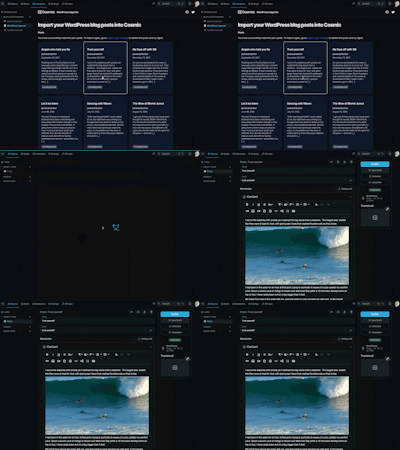
Install the Cosmic WordPress Importer Extension for a basic migration of your blog posts from the feed URL. For anything more than that, we recommend creating a custom script to communicate with the Cosmic API to write your content into Cosmic.
You might also like





Bitbucket
Connect Cosmic and Atlassian Bitbucket to deploy your projects and create automated workflows.
Corsair
Use Cosmic through Corsair with typed API calls, multi-tenant credentials, and MCP tools for agents.
MUX
Connect Cosmic and MUX to optimize your video content and create automated workflows.
MongoDB
Add dynamic content to your MongoDB projects using Cosmic.
Vimeo
Connect Cosmic and Vimeo to embed and deliver your video content.
AWS
Connect Cosmic and Amazon Web Services (AWS) to deploy your projects and create automated workflows.
Need a custom integration?
Review the docs to learn how to build your own extension.
Reach out to support to discuss a custom integration.