
Tony Spiro
April 10, 2026
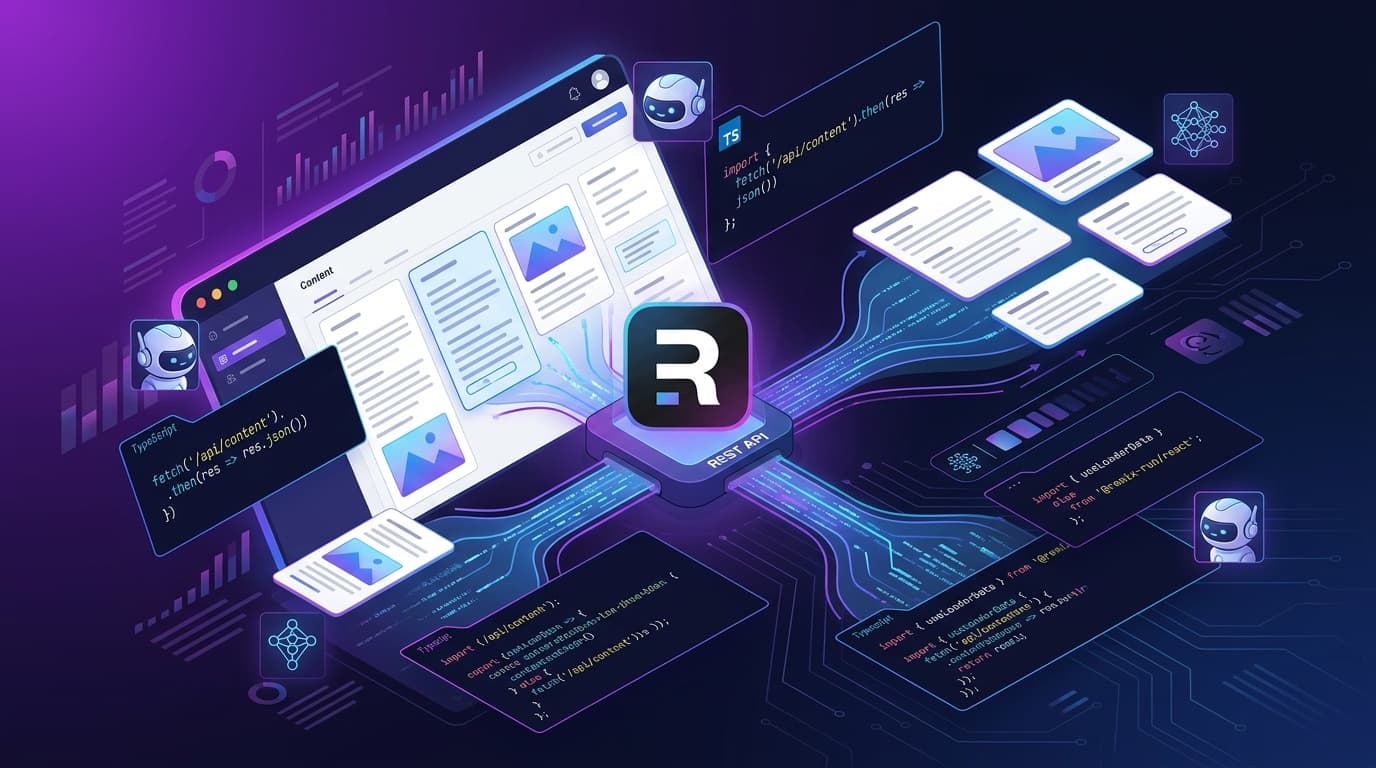
Remix is one of the best full-stack React frameworks available today. Its nested routing model, loader functions, and server-first philosophy make it a natural fit for a headless CMS architecture — and Cosmic is the CMS that fits that model best.
In this tutorial, you'll build a Remix app connected to Cosmic, fetch content in loader functions using the TypeScript SDK, render it in routes, and deploy to Vercel or Netlify.
Prerequisites
- Node.js 18+
- A free Cosmic account (sign up here)
- Basic familiarity with React and TypeScript
Step 1: Create a Remix App
Scaffold a new Remix project:
npx create-remix@latest my-cosmic-remix-app
cd my-cosmic-remix-app
Choose the defaults when prompted. Remix will scaffold a full project with TypeScript support out of the box.
Start the dev server to confirm everything works:
npm run dev
You should see the default Remix welcome page at http://localhost:3000.
Step 2: Install the Cosmic TypeScript SDK
Install the official Cosmic SDK:
npm install @cosmicjs/sdk
This gives you createBucketClient — the fully typed client you'll use to fetch content from your Cosmic bucket.
Step 3: Set Up Your Cosmic Bucket
- Log in to Cosmic and create a new bucket (or use an existing one).
- Create an Object Type called
blog-postswith these metafields:title(text)content(markdown)published_date(date)teaser(textarea)
- Add a few test blog post objects.
- Navigate to Settings > API Keys in your bucket and copy your Bucket Slug and Read Key.
Step 4: Configure Environment Variables
Create a .env file in your project root:
COSMIC_BUCKET_SLUG=your-bucket-slug
COSMIC_READ_KEY=your-read-key
Remix reads .env files automatically in development. For production, you'll set these in your hosting provider's dashboard.
Step 5: Create a Cosmic Client Module
Create a reusable client so you don't repeat the initialization in every route:
// app/lib/cosmic.server.ts
import { createBucketClient } from '@cosmicjs/sdk';

export const cosmic = createBucketClient({
  bucketSlug: process.env.COSMIC_BUCKET_SLUG!,
  readKey: process.env.COSMIC_READ_KEY!,
});
The .server.ts suffix tells Remix to never bundle this file for the client — keeping your API keys server-side only.
Step 6: Fetch Content in a Loader Function
Now create a blog index route that fetches all posts:
// app/routes/blog._index.tsx
import { json } from '@remix-run/node';
import { useLoaderData, Link } from '@remix-run/react';
import { cosmic } from '~/lib/cosmic.server';

type BlogPost = {
  id: string;
  title: string;
  slug: string;
  metadata: {
    teaser: string;
    published_date: string;
  };
};

export async function loader() {
  const { objects: posts } = await cosmic.objects
    .find({ type: 'blog-posts' })
    .props('id,title,slug,metadata')
    .sort('-created_at')
    .limit(20);

  return json({ posts });
}

export default function BlogIndex() {
  const { posts } = useLoaderData<typeof loader>();

  return (
    <main className="max-w-2xl mx-auto py-12 px-4">
      <h1 className="text-4xl font-bold mb-8">Blog</h1>
      <ul className="space-y-8">
        {posts.map((post: BlogPost) => (
          <li key={post.id}>
            <Link
              to={`/blog/${post.slug}`}
              className="text-2xl font-semibold hover:underline"
            >
              {post.title}
            </Link>
            {post.metadata?.teaser && (
              <p className="mt-2 text-gray-600">{post.metadata.teaser}</p>
            )}
          </li>
        ))}
      </ul>
    </main>
  );
}
Step 7: Fetch a Single Post
Now create the individual blog post route:
// app/routes/blog.$slug.tsx
import { json, LoaderFunctionArgs } from '@remix-run/node';
import { useLoaderData } from '@remix-run/react';
import { cosmic } from '~/lib/cosmic.server';

export async function loader({ params }: LoaderFunctionArgs) {
  const { slug } = params;

  if (!slug) {
    throw new Response('Not Found', { status: 404 });
  }

  try {
    const { object: post } = await cosmic.objects
      .findOne({
        type: 'blog-posts',
        slug,
      })
      .props('id,title,slug,metadata');

    return json({ post });
  } catch (err) {
    throw new Response('Post not found', { status: 404 });
  }
}

export default function BlogPost() {
  const { post } = useLoaderData<typeof loader>();

  return (
    <article className="max-w-2xl mx-auto py-12 px-4">
      <h1 className="text-4xl font-bold mb-4">{post.title}</h1>
      {post.metadata?.published_date && (
        <time className="text-sm text-gray-500">
          {new Date(post.metadata.published_date).toLocaleDateString()}
        </time>
      )}
      <div
        className="mt-8 prose"
        dangerouslySetInnerHTML={{ __html: post.metadata?.content || '' }}
      />
    </article>
  );
}
Step 8: Handle Errors Gracefully
Remix has built-in error boundaries. Add one to your root or route file:
// app/routes/blog.$slug.tsx (add this export)
export function ErrorBoundary() {
  return (
    <div className="max-w-2xl mx-auto py-12 px-4">
      <h1 className="text-2xl font-bold">Post not found</h1>
      <p>The post you're looking for doesn't exist or has been removed.</p>
      <a href="/blog" className="text-blue-600 hover:underline">
        Back to blog
      </a>
    </div>
  );
}
Step 9: Deploy to Vercel
Vercel has first-class Remix support. Install the Vercel CLI and deploy:
npm install -g vercel
vercel
Follow the prompts. When asked about the framework, select Remix.
Then add your environment variables in the Vercel dashboard under Settings > Environment Variables:
COSMIC_BUCKET_SLUGCOSMIC_READ_KEY
Redeploy to pick up the variables:
vercel --prod
Deploy to Netlify (Alternative)
If you prefer Netlify:
npm install -g netlify-cli
npm install @remix-run/netlify
netlify deploy --build
Add your environment variables in the Netlify dashboard under Site Settings > Environment Variables, then trigger a new deploy.
What's Next
You now have a fully functional Remix app powered by Cosmic. From here you can:
- Add more Object Types (products, team members, case studies)
- Use Cosmic's AI Agents to auto-generate blog content
- Connect the Cosmic MCP Server to your AI toolchain
- Use the Cosmic CLI to manage content models from the terminal
Pricing
Cosmic's Free plan is forever free — no credit card required.
| Plan | Price | Objects |
|---|---|---|
| Free | $0/month | 1,000 |
| Builder | $99/month | 5,000 |
| Team | $299/month | 20,000 |
| Business | $499/month | 50,000 |
Additional users are $29/user/month on any plan.
Related Resources
Ready to build? Sign up free — no credit card required. Or book a demo with Tony to get a guided walkthrough.
Continue Learning

Claude Sonnet 5.5 vs Sonnet 5: What Changed, and Should You Switch?


Tony Spiro and Mia
October 6, 2026

Announcing the Cosmic AI Support Agent
Tony Spiro and Mia
October 5, 2026