
Cosmic AI
April 6, 2025
Content teams today face mounting pressure to produce more high-quality content while managing complex workflows across multiple platforms. Manual processes for content distribution, notifications, and integrations with marketing tools often create bottlenecks that slow down publishing cycles and increase the risk of errors.
For organizations using a headless CMS like Cosmic, connecting content operations to other business systems presents both an opportunity and a challenge. How can teams automate repetitive tasks while maintaining flexibility and control over their content infrastructure?
Prefer to skip the code entirely? Cosmic's built-in AI Agents can draft, publish, and manage content from Slack, WhatsApp, or Telegram without writing a single webhook. See how lean teams run a full content operation from Slack.
Building Automated Content Workflows with Cosmic
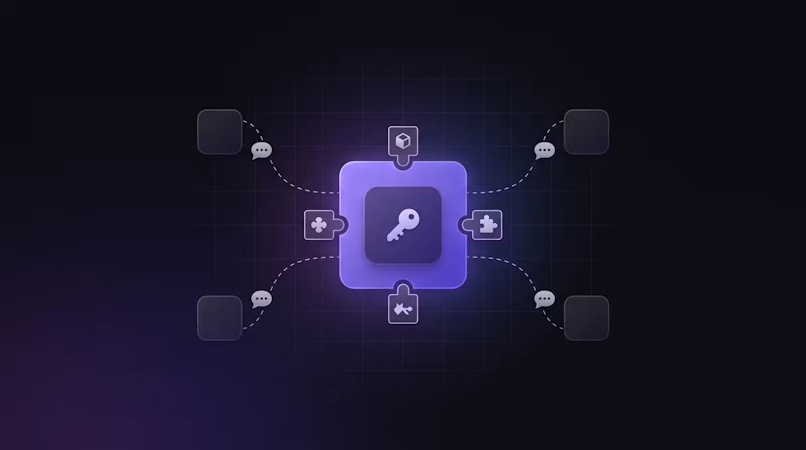
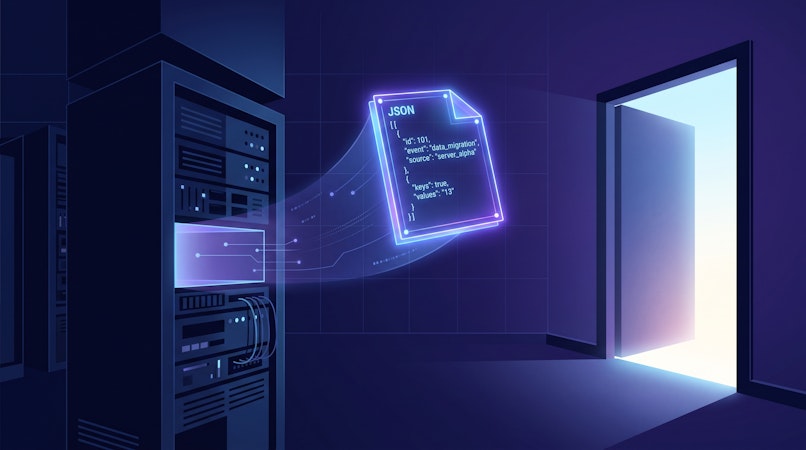
Cosmic's webhook capabilities provide the foundation for creating powerful automated workflows. By connecting Cosmic to automation platforms like Zapier, Make (formerly Integromat), or n8n, content teams can trigger actions across their tech stack when content changes occur.
Key Benefits of Content Automation
- Reduced Manual Work: Eliminate repetitive tasks like copy-pasting content between systems
- Faster Publishing Cycles: Automatically trigger downstream processes when content is ready
- Fewer Errors: Remove human error from repetitive processes
- Cross-Platform Consistency: Ensure content remains synchronized across channels
- Team Notifications: Keep stakeholders informed about content changes
Implementing Powerful Content Automations
Let's explore three common automation scenarios that can transform how your team works with content:
1. Social Media Distribution
When new content is published in Cosmic, automatically create social media posts across platforms:
// Example webhook handler for social media distribution
export async function POST(request) {
  const webhookData = await request.json();

  // Only process when content is published
  if (webhookData.resource === 'objects' && webhookData.event === 'published') {
    const { title, metadata } = webhookData.data;

    // Extract featured image if available
    const featuredImageUrl = metadata.featured_image?.imgix_url;

    // Create social post content
    const socialContent = `New post: ${title} ${metadata.summary || ''}
      Check it out: https://yoursite.com/blog/${metadata.slug}`;

    // Send to social media posting service
    await Promise.all([
      postToTwitter(socialContent, featuredImageUrl),
      postToLinkedIn(socialContent, featuredImageUrl),
      // Add other social platforms as needed
    ]);

    return new Response(JSON.stringify({ success: true }));
  }

  return new Response(JSON.stringify({
    message: 'Webhook received but no action taken'
  }));
}
2. Email Notifications for Team Members
Keep your team informed about important content changes with automated email notifications:
// Example with Resend for email notifications
import { Resend } from 'resend';

export async function POST(request) {
  const webhookData = await request.json();
  const resend = new Resend(process.env.RESEND_API_KEY);

  // Determine notification type based on event
  if (webhookData.resource === 'objects' && webhookData.event === 'edited') {
    const { title, created_by } = webhookData.data;

    await resend.emails.send({
      from: 'content-updates@yourcompany.com',
      to: ['content-team@yourcompany.com'],
      subject: `New content created: ${title}`,
      html: `
        <h2>New content has been created</h2>
        <p><strong>Title:</strong> ${title}</p>
        <p><strong>Created by:</strong> ${created_by.email}</p>
        <p><a href="https://app.cosmicjs.com/your-bucket/edit-object/${webhookData.data.id}">
          View in Cosmic dashboard
        </a></p>
      `
    });

    return new Response(JSON.stringify({ success: true }));
  }

  return new Response(JSON.stringify({
    message: 'Webhook received but no action taken'
  }));
}
3. Syncing Content to External Systems
Keep product information synchronized between Cosmic and your e-commerce platform:
// Example webhook handler for syncing product data
export async function POST(request) {
  const webhookData = await request.json();

  // Only process product object types
  if (
    webhookData.data.type_slug === 'products' && webhookData.resource === 'objects' &&
    (webhookData.event === 'edited' || webhookData.event === 'published')
  ) {
    const product = webhookData.data;

    // Update product in e-commerce platform
    const response = await fetch(
      `https://your-ecommerce-api.com/products/${product.metadata.product_id}`,
      {
        method: 'PUT',
        headers: {
          'Content-Type': 'application/json',
          'Authorization': `Bearer ${process.env.ECOMMERCE_API_KEY}`
        },
        body: JSON.stringify({
          name: product.title,
          description: product.metadata.description,
          price: product.metadata.price,
          images: product.metadata.images.map(img => img.imgix_url),
          status: product.status === 'published' ? 'active' : 'draft'
        })
      }
    );

    const result = await response.json();

    console.log(`Product sync ${result.success ? 'successful' : 'failed'}:`, result);

    return new Response(JSON.stringify({
      success: result.success,
      message: result.message
    }));
  }

  return new Response(JSON.stringify({
    message: 'Webhook received but no action taken'
  }));
}
Setting Up Webhooks in Cosmic
Cosmic makes it easy to set up webhooks for any content event. Here's how to configure them:
- Navigate to Settings > Webhooks in your Cosmic dashboard
- Click "Add Webhook"
- Enter your endpoint URL (where webhook data will be sent)
- Select the events you want to trigger the webhook
- Optionally add a secret key for security validation
- Save your webhook configuration
Enhancing Automations with Cosmic AI Agents
Webhooks and third-party automation tools are powerful, but they still require someone to build and maintain the plumbing. Cosmic AI Agents take automation a step further: instead of configuring a Zapier zap or writing a webhook handler, you give an agent a plain-language instruction and it handles the content operation directly.
Agents connect to your bucket with full read/write access, live in the messaging tools your team already uses (Slack, WhatsApp, Telegram), and run on a schedule or on demand. A lean team can draft, review, and publish a week's worth of content without touching the dashboard or writing a line of code.
Read the full breakdown: How Lean Teams Use AI Agents to Run a Full Content Operation from Slack
For even more powerful automations, Cosmic Intelligence can be integrated into your workflows to automatically generate image alt text, summarize long-form content for social media, or translate content to multiple languages, all triggered by content changes in Cosmic.
Best Practices for Content Automations
To get the most out of your automated workflows:
- Start Small: Begin with one simple automation and expand as you see success
- Document Everything: Keep track of all your automations and their purposes
- Test Thoroughly: Verify webhooks in non-production environments first
- Include Error Handling: Design your automation endpoints to handle failures gracefully
- Monitor Performance: Regularly check that your automations are functioning as expected
- Secure Your Endpoints: Use webhook secrets to validate incoming webhook requests
Getting Started
Ready to automate your content workflows? Begin by identifying repetitive manual tasks in your content process that could be automated. Then follow these steps:
- Set up a webhook in your Cosmic dashboard for the relevant events
- Create an endpoint to receive the webhook data (using Vercel, Netlify, or your preferred platform)
- Implement the necessary logic to perform your automated actions
- Test the complete workflow with real content operations
For organizations looking to scale their content operations while maintaining quality and consistency, automation is no longer optional. With Cosmic's webhook capabilities, AI Agents, and integration options, teams can build a connected content ecosystem that eliminates manual work and accelerates content delivery.
Start for free on Cosmic and build your first automated content workflow in minutes. Or book a quick intro call if you want to talk through your specific setup.
Give your AI agents a content backend they can write to
Structured, versioned content objects, a REST API and TypeScript SDK, and an MCP server your coding agent connects to directly. The Free plan includes 1 Bucket, 1,000 Objects, and 1 agent. No credit card required.