
Cosmic
September 23, 2026
Revision history now shows two things that used to take a close read: what changed, and which agent changed it.
The revision itself is still the default. Changes is a second view on the same page, and a link from the history menu.
What's New
-
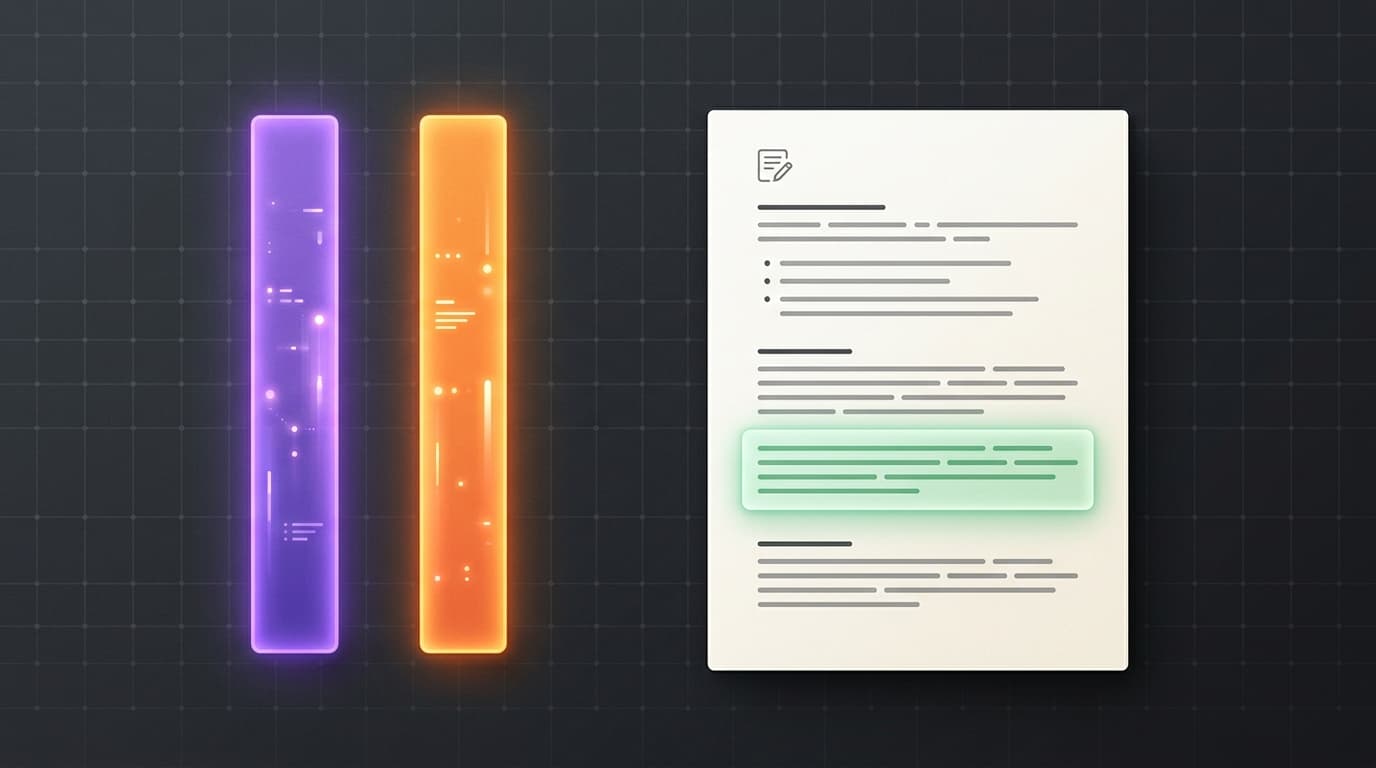
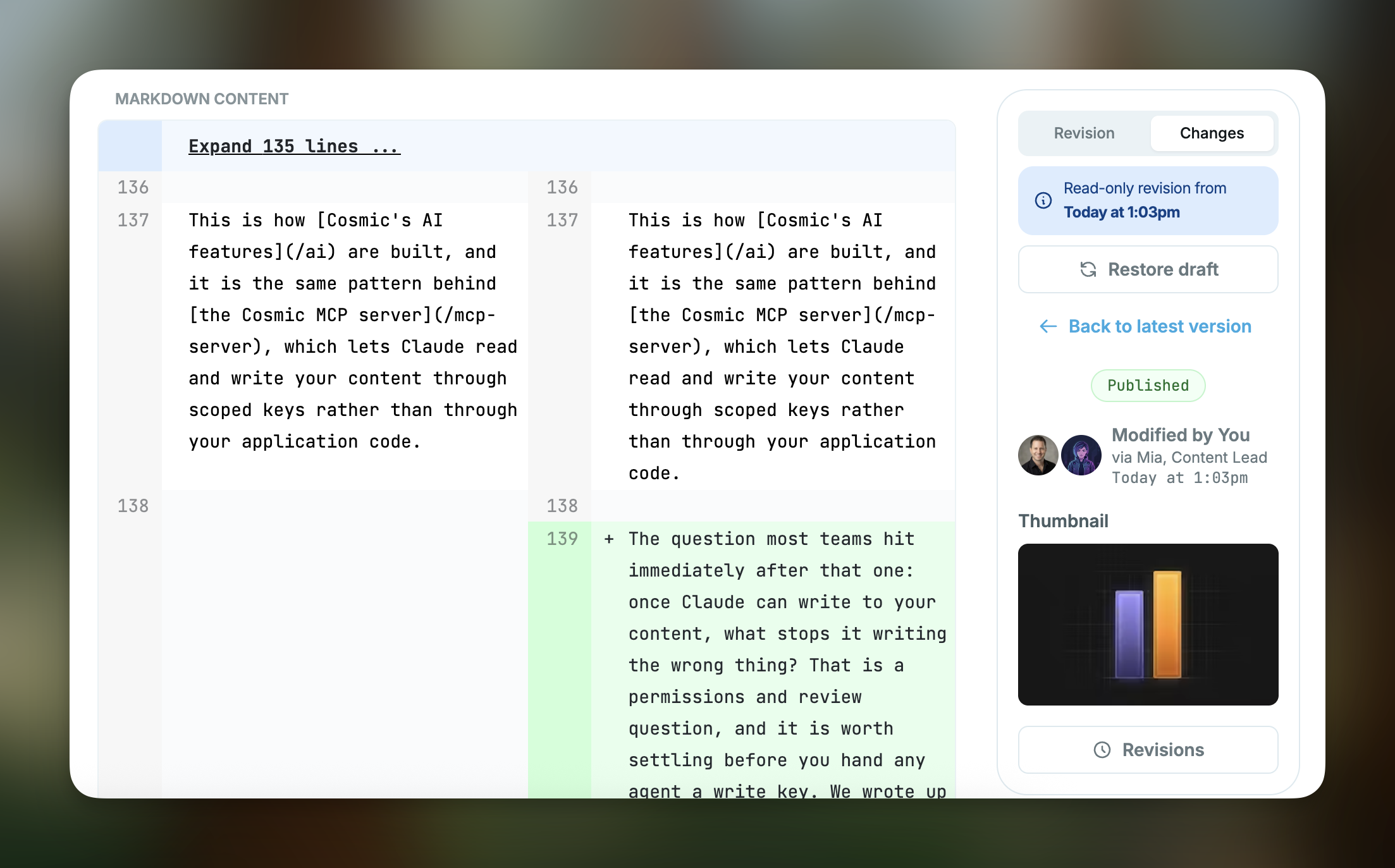
A diff against the previous revision. On any revision except the first, switch from Revision to Changes. Title, slug, status, content, thumbnail, and metafields are compared. Fields that did not change stay hidden.
-
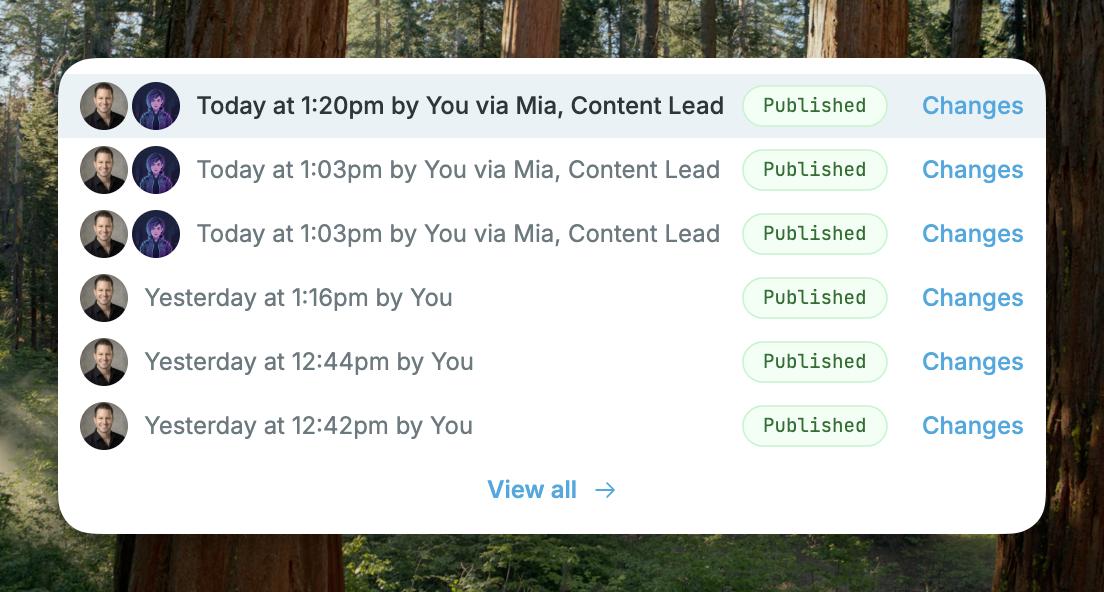
Changes from the history menu. Each row in the history dropdown and in the full revisions list has a Changes link. Selecting the row still opens the revision.
-
The person and the agent, together. When an agent writes an update, history shows both avatars and reads as the person via the agent. The same attribution shows on the revision, in the revisions list, and in recent activity.
-
Attribution stays on the revision. It is stored with that revision. A later edit by a person does not keep the agent's name. Object responses from the public API are unchanged.
Why This Matters
An agent can publish several updates in an afternoon. Opening each revision and reading the whole document does not tell you what moved. The diff does. And when the byline is only a person, you cannot tell which of those updates an agent wrote.
How It Works
-
Open an object and use History, or open a revision.
-
Click Changes, or use the Revision / Changes control on the revision page.
-
Read the diff. Restore draft is still on the same page.
The comparison is always against the revision immediately before this one. The oldest revision has no previous version, so it has no Changes link.
Get Started
-
Open any object that has revision history and click Changes.
Give your AI agents a content backend they can write to
Structured, versioned content objects, a REST API and TypeScript SDK, and an MCP server your coding agent connects to directly. The Free plan includes 1 Bucket, 1,000 Objects, and 1 agent. No credit card required.