
Tony Spiro
June 18, 2026
AI agents get better the more they run. Every conversation turn, every task completed, every prompt refined adds to a growing body of context that shapes the next output. The compounding effect is real: an agent with 100 turns of memory and a versioned prompt history behaves meaningfully differently from one starting cold.
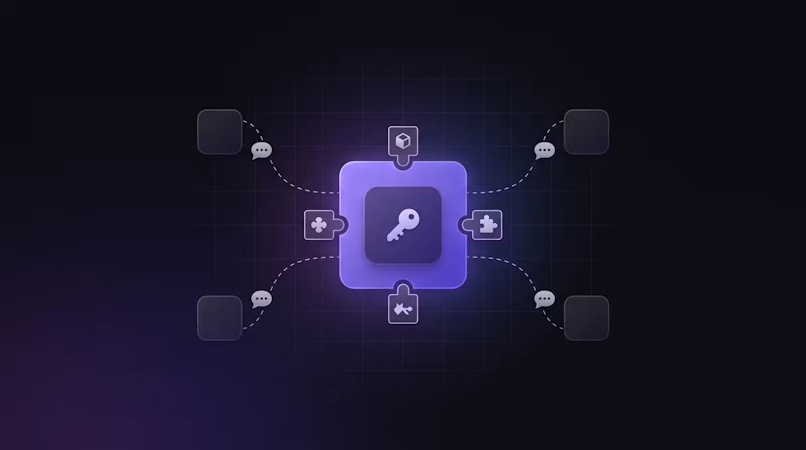
Cosmic is where that context lives. Agent messages, system prompts, findings, and instructions are all stored as structured, versioned, API-accessible Objects. Each new turn adds to the record. Each prompt edit is tracked. The dashboard becomes a control panel for agent behavior, not just a content editor.
This is how we run Cosmic internally. The more you interact with our built-in agents, the better they get. Context compounds. Memory accumulates. And because everything is stored as a Cosmic Object, you can inspect, edit, and version any part of the loop at any time.
What Agent Memory Actually Needs
The compounding loop only works if the memory layer has the right properties. Most agent frameworks handle working memory well. The gap is episodic and semantic memory: what the agent learned, did, and produced across sessions.
Researchers at Elastic recently published a breakdown of agent memory tiers: working memory (in-context), episodic memory (past interactions), semantic memory (knowledge), and procedural memory (learned behaviors). Good persistent agent memory needs four properties:
- Structured: queryable by type, status, date, or custom field, not just full-text search
- Versioned: you need to know what the agent wrote at each point in time, not just the latest state
- API-accessible: any model, any framework, any language should be able to read and write it
- Human-reviewable: agents make mistakes; a human needs to inspect and correct outputs without touching a database
Cosmic satisfies all four out of the box.
Cosmic Objects as Agent Outputs
Every piece of content in Cosmic is an Object: a typed, structured document with metadata fields you define, a draft/published status, a full revision history, and a REST API endpoint.
When an agent produces output, storing it as a Cosmic Object gives you:
- A queryable record with typed fields (
summary,source_url,confidence_score,status) - Draft/published workflow so a human can review before promoting to production
- Full audit trail of every change
- REST API access from any runtime
- A dashboard UI where non-technical team members can inspect, edit, or approve agent outputs
Here's a simple research agent that stores its findings as Cosmic Objects:
import { createBucketClient } from '@cosmicjs/sdk'

const cosmic = createBucketClient({
  bucketSlug: process.env.COSMIC_BUCKET_SLUG!,
  readKey: process.env.COSMIC_READ_KEY!,
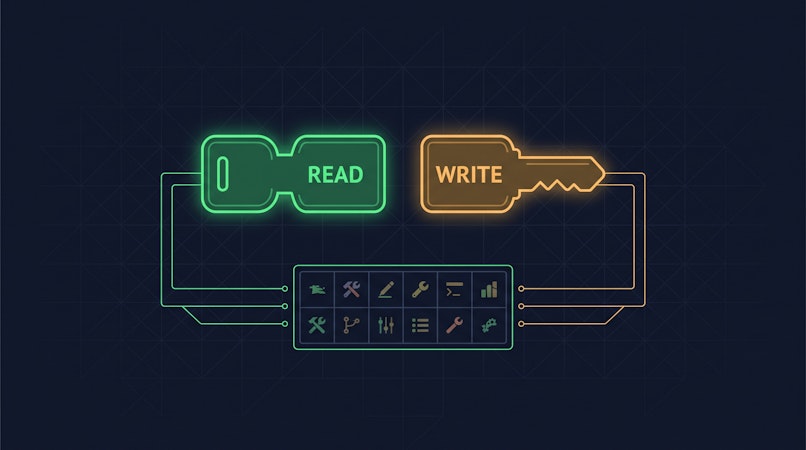
  writeKey: process.env.COSMIC_WRITE_KEY!,
})

async function storeAgentFinding({
  topic,
  summary,
  sourceUrl,
  confidenceScore,
}: {
  topic: string
  summary: string
  sourceUrl: string
  confidenceScore: number
}) {
  const result = await cosmic.objects.insertOne({
    title: topic,
    type: 'agent-findings',
    status: 'draft', // human review before publishing
    metadata: {
      summary,
      source_url: sourceUrl,
      confidence_score: confidenceScore,
      reviewed: false,
    },
  })
  return result.object
}
The output is immediately visible in the Cosmic dashboard. A team member can review the summary, edit it, toggle reviewed to true, and publish, all without touching code.
Storing Prompts, Context, and Conversation Memory
Agent outputs are only part of the picture. The other half is what goes in to the agent: system prompts, conversation history, and session context. Cosmic handles these just as naturally.
At Cosmic, we use Cosmic itself to store the prompts and context for our own internal agents every day. Here's what that looks like in practice.
System Prompts as Objects
Instead of hardcoding system prompts in your codebase, store them as Cosmic Objects. This gives you:
- Version control for prompts: draft a new version, test it, publish when ready, roll back if behavior degrades
- Non-engineer editable: your team can refine prompt wording without a deploy
- Environment-aware: different buckets for staging and production mean different prompts per environment with zero code changes
// Fetch the active system prompt for an agent
const { object: promptObject } = await cosmic.objects
  .findOne({
    type: 'agent-prompts',
    slug: 'content-research-agent',
    status: 'published',
  })
  .props('title,metadata.prompt_text,metadata.version')

const systemPrompt = promptObject.metadata.prompt_text
When you want to update the prompt, you edit it in the Cosmic dashboard, save a new version, and publish. The agent picks it up on the next run with no deployment required.
Conversation Context and Message History
For agents that need to maintain state across sessions, store the conversation history as structured Objects:
async function storeMessage({
  sessionId,
  role,
  content,
  agentName,
}: {
  sessionId: string
  role: 'user' | 'assistant' | 'system'
  content: string
  agentName: string
}) {
  await cosmic.objects.insertOne({
    title: `${agentName} / ${sessionId} / ${role}`,
    type: 'agent-messages',
    status: 'published',
    metadata: {
      session_id: sessionId,
      role,
      content,
      agent_name: agentName,
    },
  })
}

// Retrieve full conversation context for a session
const { objects: messages } = await cosmic.objects
  .find({
    type: 'agent-messages',
    'metadata.session_id': sessionId,
  })
  .props('metadata.role,metadata.content,created_at')
  .sort('created_at')
The agent can reconstruct its full conversation history from Cosmic on every run. The history is human-readable in the dashboard, editable when needed, and queryable across sessions.
The Cosmic Agents Shortcut
If you'd rather skip the infrastructure setup entirely, Cosmic ships built-in agents that maintain their own memory automatically. They learn from every interaction and get better the more you use them. The memory layer described above is already wired in, so you just use the agents.
Querying Agent Memory
The real power is in retrieval. Because each agent output is a structured Object with typed metafields, you can query across your entire agent history:
// Get all unreviewed findings from the last 7 days
const { objects } = await cosmic.objects
  .find({
    type: 'agent-findings',
    'metadata.reviewed': false,
  })
  .props('id,title,metadata,created_at')
  .sort('-created_at')
  .limit(50)

// Get high-confidence findings on a specific topic
const { objects: topFindings } = await cosmic.objects
  .find({
    type: 'agent-findings',
    'metadata.confidence_score': { $gte: 0.85 },
  })
  .props('id,title,metadata')
  .sort('-metadata.confidence_score')
You are filtering by structured properties, sorting by custom scores, and scoping by review status. The agent's memory is queryable the same way any other content in your system is queryable.
Versioning: Know What the Agent Said When
Cosmic keeps a full revision history for every Object. Every time an agent updates a finding, or a human edits an agent output, the previous version is preserved.
This matters for auditability. If an agent's output informed a business decision, you need to know exactly what it said at the time of that decision, not just the current state. Cosmic gives you that without any extra infrastructure.
The same applies to prompts. When a prompt change shifts agent behavior, you can trace exactly which version was active and when. That's the kind of audit trail that matters as agents take on more consequential tasks.
Using Cosmic with the MCP Server
Cosmic ships a native MCP Server, which means any agent running in Claude, Cursor, Windsurf, or any MCP-compatible runtime can read and write Cosmic Objects directly, with no custom API wrapper needed.
The MCP Server exposes all 18 Cosmic tools to your agent: create objects, update objects, query by type, filter by metadata, manage media, and more. An agent with MCP access to your Cosmic bucket can store its findings, retrieve past context, and update its own outputs in a single tool call.
See the Cosmic MCP Server docs to connect your agent in under 5 minutes.
Schema Design for Agent Context and Memory
The key to making this work well is defining clean Object types upfront. Here are three schemas that cover most agent context and memory use cases:
Object type: agent-findings
summary(textarea): the agent's output in plain textsource_url(text): where the information came fromconfidence_score(number, 0-1): how confident the agent wasagent_name(text): which agent produced thissession_id(text): groups findings from a single agent runreviewed(switch): human review gatetags(objects, references tags type): topic classification
Object type: agent-messages
role(select: user / assistant / system): the message sendercontent(textarea): the message textagent_name(text): which agent this belongs tosession_id(text): groups a full conversation
Object type: agent-prompts
prompt_text(textarea): the full system promptversion(number): prompt version numbernotes(textarea): what changed and why
All three types take about 3 minutes each to set up in the Cosmic dashboard. You can even ask your Cosmic Agent to set it up for you in seconds. Copy and paste this prompt:
Create these object types for me:

Object type: `agent-findings`
- `summary` (textarea): the agent's output in plain text
- `source_url` (text): where the information came from
- `confidence_score` (number, 0-1): how confident the agent was
- `agent_name` (text): which agent produced this
- `session_id` (text): groups findings from a single agent run
- `reviewed` (switch): human review gate
- `tags` (objects, references tags type): topic classification

Object type: `agent-messages`
- `role` (select: user / assistant / system): the message sender
- `content` (textarea): the message text
- `agent_name` (text): which agent this belongs to
- `session_id` (text): groups a full conversation

Object type: `agent-prompts`
- `prompt_text` (textarea): the full system prompt
- `version` (number): prompt version number
- `notes` (textarea): what changed and why
What You Get Out of the Box
You could build this with Postgres and a custom schema. Here's what Cosmic includes that you'd otherwise have to build yourself:
- Dashboard UI: a human-readable, editable view of every agent output with no custom admin to build
- Revision history: built-in, no extra tables
- REST API: ready to consume from any runtime without writing endpoints
- Draft/published workflow: agent outputs start as drafts; humans promote them
- Media handling: if your agent produces images or files, or reads media for context, Cosmic's media library handles storage and CDN delivery
- Model agnosticism: Cosmic's REST API works with any model, any agent framework, any language
For most teams, the CMS handles everything a custom database would, faster and with less infrastructure to maintain.
Getting Started
Three steps:
- Create a free Cosmic account at cosmicjs.com
- Use Cosmic to store your context and agent messages, or use our built-in agents that maintain their own memory and learn more and get better the more you interact with them
- Install the SDK:
npm install @cosmicjs/sdkand start storing agent outputs
For agent workflows that need MCP access, connect your agent to the Cosmic MCP Server and your agent can query and update its own memory directly.
Want to talk through your agent architecture? Book a quick call with Tony. Always happy to help teams think through their content and agent infrastructure.