
Cosmic
August 14, 2026
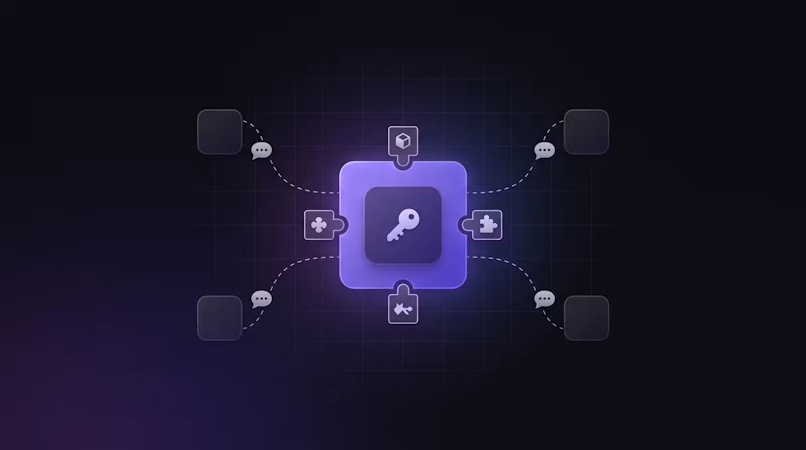
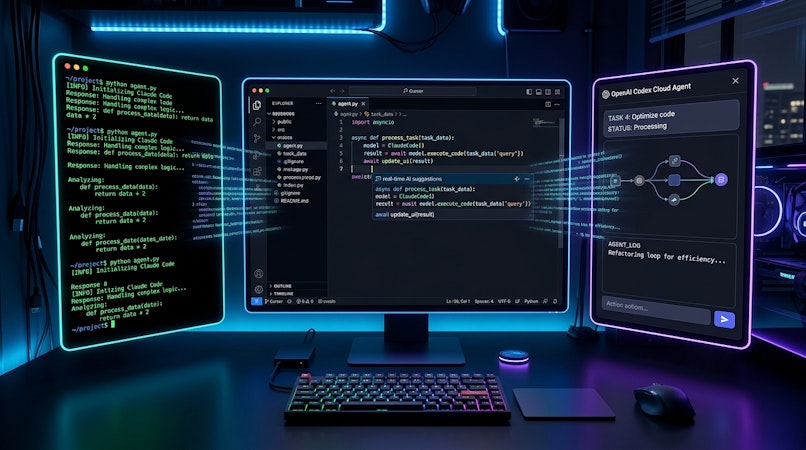
Cosmic's MCP server and Agent Skills are now packaged as a single Agent Plugin. Install cosmicjs/cosmic-agent-plugin once and your coding agent gets Cosmic's content tools plus the skills that teach it how to use them, in Cursor, VS Code, GitHub Copilot, and Kiro.
Agent Plugins is an open, vendor-neutral specification for bundling MCP servers, skills, and prompts into one directory so the same package loads in every conformant client. Nothing about Cosmic itself changed here. The plugin targets spec version 1.0.0, which the working group currently publishes as a Working Draft, and configures the same @cosmicjs/mcp server you could already run by hand. What changed is the setup: one install instead of hand-editing a different config file for every editor you use.
What's New
- One install per client. In Cursor, link or install the repository and reload. In VS Code, run Chat: Install Plugin From Source. With the Copilot CLI, run
copilot plugin install cosmicjs/cosmic-agent-plugin. In Kiro, choose Add Custom Power → Import power from GitHub. Each client reads the sameplugin.json,mcp.json, andskills/directory. - Tools for objects, media, object types, and AI. The
cosmicserver exposes list, get, create, update, and delete for objects, media, and object types, plus AI text, image, video, and audio generation, and content block listing. Reads need only a read key; writes, uploads, and AI generation need a write key. - Two skills ship alongside the tools.
cosmic-sdkcovers objects, queries, media, imgix transforms, and AI generation with the@cosmicjs/sdk.cosmic-content-modelingcovers object types, the metafield type table, validation rules, and relationships. The agent gets the tool and the instructions for using it well at the same time. - A credential-free path for new users. A second server,
cosmic-signup, runs over Streamable HTTP atmcp.cosmicjs.com/v1/agentand takes no credentials at all. An agent on a machine that has never heard of Cosmic can provision a free project, then switch to the credentialed server. - Your keys stay in your environment. The package declares no credentials. You supply
COSMIC_BUCKET_SLUG,COSMIC_READ_KEY, and optionallyCOSMIC_WRITE_KEYthrough your shell or your client's own settings. Omit the write key for a read-only install. - Open source and validated on every push. MIT licensed. CI checks
plugin.jsonandmcp.jsonagainst the canonical schemas from agent-plugins.org, validates the Agent Skills frontmatter, and fails the build if a key or bucket slug is ever committed.
Why This Matters
Connecting an agent to a CMS has meant two separate chores. First you wire up the MCP server, in a config file whose location and shape differ in every client. Then, separately, you give the agent documentation so it knows how to model content and query it well, because tool definitions alone tell it what it can call, not what a good object type looks like.
A plugin collapses both into one artifact. The tools and the guidance travel together, versioned as a unit, in a format that four clients already read. Switch editors and your Cosmic setup comes with you.
How It Works
- Install the plugin in your client using the step above for that client.
- Export your bucket credentials, found under Bucket → Settings → API Access:
export COSMIC_BUCKET_SLUG=your-bucket-slug
export COSMIC_READ_KEY=your-read-key
export COSMIC_WRITE_KEY=your-write-key   # omit for a read-only install
- Ask for something. "List the object types in my Cosmic bucket" is a good first check that both the server and the skills loaded.
Notes:
- The
cosmicserver runs locally over stdio rather than pointing at our hosted endpoint. The hosted bucket URL embeds your bucket slug and authenticates with a header, and the spec forbids both placeholder expansion in URLs and credentials in headers, so a remote entry would mean publishing one customer's slug and key in a public repository. Running the same server locally keeps your credentials in your environment. To use the hosted endpoint directly, configure it as described at cosmicjs.com/mcp-server. - Clients that implement only stdio will skip
cosmic-signupand load everything else. - GitHub Copilot's plugin support is the newest of the four, and its handling of the portable
mcp.jsonis still settling. The skills install from the same package either way. If thecosmictools do not appear afterward, configure the MCP server directly as described at cosmicjs.com/mcp-server. - A project provisioned through
cosmic-signupstarts restricted, at 50 objects and 5 MB of media with no AI credits, and is removed after 14 days unless you complete the emailed verification. - ChatGPT and Codex are not supported through this package yet. OpenAI documents a different manifest layout and has not adopted the portable format. Configure the Cosmic MCP server directly there.
- Treat your write key as a production credential. Never put it in a browser bundle or any client-side variable such as
NEXT_PUBLIC_*.
Get Started
- Get the plugin at github.com/cosmicjs/cosmic-agent-plugin
- Read the full tool reference at cosmicjs.com/mcp-server
- See the Agent Plugins specification
- New to MCP? Start with connecting Claude to your CMS
- Start building for free
Give your AI agents a content backend they can write to
Structured, versioned content objects, a REST API and TypeScript SDK, and an MCP server your coding agent connects to directly. The Free plan includes 1 Bucket, 1,000 Objects, and 1 agent. No credit card required.