Agent Plugins: Connect Your Agents to Any Service With an MCP Server

Cosmic
September 1, 2026
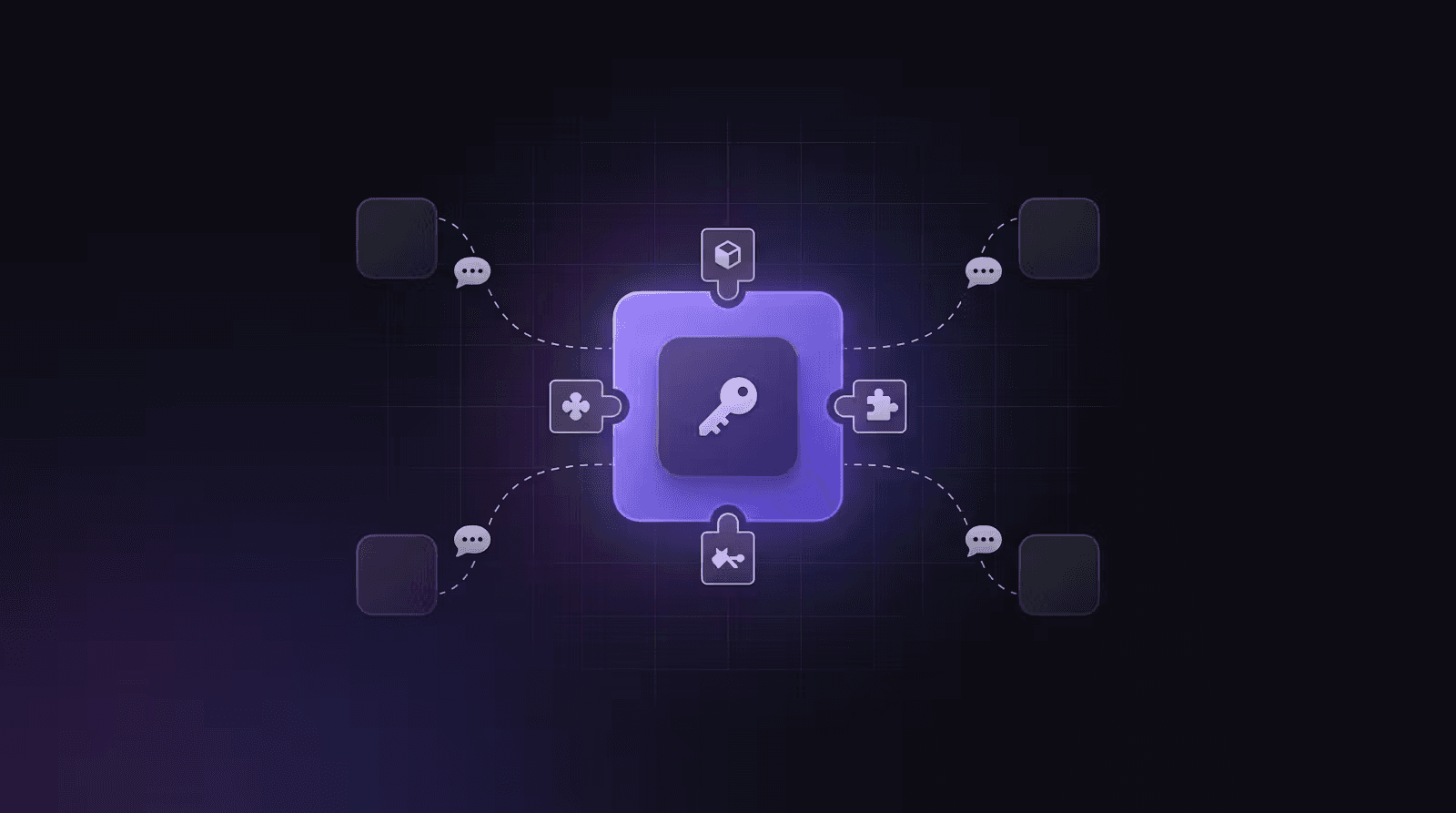
Agents can now install Plugins. A plugin is a vendor's official remote MCP server, a small set of skills for using it, and a slot for the token that authorizes it. Install it on one Agent, connect the token once, and that Agent can work inside that vendor's product.
Almost every vendor now runs an MCP server, and that is what makes this reliable. Browse the catalog at Plugin Marketplace.
What's New
-
A plugin catalog with real remotes. GitHub, Stripe, Render, PostHog, and Resend install today. We tested every one of them against the vendor's own HTTPS endpoint with a pasted token.
-
The vendor's tools instead of the model's memory. Without a plugin, an Agent works from whatever it absorbed about that API during training. With one, it calls the vendor's live tool surface and follows skills describing how to use it correctly.
-
Connect with a token, not a config file. Open an Agent, go to Settings → Tools → Add plugin, pick the host, and paste the key. There is no JSON to edit and nothing to run locally.
-
Capabilities beyond content. The same Agent that writes your product pages can check a subscription, deploy the site, purge the cache, ship a feature flag, or send the email.
-
Skills scoped to the host. A plugin ships up to four skills. At most two attach to any turn, matched to what the Agent is working on, so a plugin does not flood the prompt.
-
Hire an Agent with the plugin already on. Several Agent Marketplace templates suggest their plugins: engineering hosts GitHub, DevOps hosts Render, growth hosts PostHog, email hosts Stripe and Resend.
-
Coming soon, listed honestly. Cloudflare, Linear, Vercel, Netlify, Slack, Notion, Figma, HubSpot, Atlassian, Sentry, Algolia, Zendesk, Shopify, and Google Search Console appear in the catalog with a note on what is blocking them. Most run OAuth-only remotes, and they move to available when Cosmic ships OAuth connect.
Why This Matters
An agent that has read about an API is not the same as an agent connected to one. Training data is a snapshot: endpoints move, parameters change, and a model fills the gaps with plausible guesses. That is why "just give the agent the docs" produces work that looks right and fails on contact.
An official MCP server removes the guessing. The vendor publishes the tools, keeps the schemas current, and writes the skills that say how the tools should be used together. Your Agent is working with the vendor's own definition of its product rather than a recollection of it.
That reliability is what makes the range worth having. Cosmic Agents started with content, and content was always the smaller half of the job. Publishing a page means nothing if nobody deploys it, no one measures it, and the customer never gets the email. Plugins let one Agent carry the work across ecommerce, communication, deployment, and analytics, using each vendor's real tools at every step.
Each plugin installs on a single Agent, so the token stays with the Agent that owns that job. Other Agents ask it for the work in conversation and get the answer back. They never receive the endpoint or the credential.
It is also why part of the catalog ships unavailable. A remote that only speaks OAuth rejects a pasted API key no matter how correct the key is, and a listing that invites you to paste one anyway is a dead end. Cloudflare and Linear run remotes like that today, so they sit in coming soon until Cosmic ships OAuth connect. Available now means we sent a token at the endpoint and watched it work.
How It Works
-
Open the Plugin Marketplace and choose a published plugin, or go to an Agent's Settings → Tools and click Add plugin.
-
Pick the project and the host Agent. Prefer the suggested host.
-
On the Tools tab, paste the vendor token and click Connect token. The status flips to Connected.
-
Ask that Agent to do the work. Other Agents should ask the host rather than reaching for the vendor themselves.
Notes:
-
Plugins install per Agent, not per project.
-
MCP endpoints must be HTTPS. Cosmic does not run
npxor stdio servers. -
A plugin may declare at most four skills.
-
For Render, set the workspace before status, logs, or deploy.
-
For PostHog, use a personal API key created with the MCP Server preset.
-
For Stripe, use a restricted API key rather than a full secret key.
-
Community submissions are reviewed before publishing. They do not go live automatically.
Get Started
-
Browse the Plugin Marketplace
-
Find a host in the Agent Marketplace
-
Submit your own plugin from the marketplace page
Give your AI agents a content backend they can write to
Structured, versioned content objects, a REST API and TypeScript SDK, and an MCP server your coding agent connects to directly. The Free plan includes 1 Bucket, 1,000 Objects, and 1 agent. No credit card required.
Continue Learning
Announcing the Cosmic AI Support Agent


Tony Spiro and Mia
October 5, 2026
How We Won a Launch-Day Search Term in 48 Hours, and Why It Didn't Convert
Tony Spiro and Mia
September 29, 2026
Connect a Cosmic Agent to Google Sheets
Tony Spiro and Mia
September 25, 2026