
Cosmic
August 10, 2026
Workflow templates are now available in Cosmic. Browse the library at Workflow Templates, or open Workflows → Create in any project and install one from the gallery. Pick a template, confirm what it will create, save, and the workflow runs right away.
Each template brings its own content model, demo content, and agent as needed. No setup required, it's turnkey and ready to go to work for you.
What's New
- A template library page. Six published templates, each with what it does, what it installs, which agent does the work, and what a run costs. Browse them at cosmicjs.com/marketplace/workflows. And if you have an idea for a workflow, request a template.
- One-click install into an existing project. Choose a project, review a single screen listing exactly what gets created, and confirm. No configuration step.
- Templates are now the default path to a new workflow. In the dashboard, Workflows → Create opens on Install a template, with Build from scratch beside it.
- Every template ships with its agent. The agent is hired automatically with its prompt and capabilities already set, running Claude Opus 5 by default. You can change the model or edit the prompt afterwards.
- The first run starts immediately. You land on the run in progress, so the template proves itself before you decide to keep it.
What a Template Installs
- Its object types and demo content. Every template ships with working object types and objects so the the workflow has what it needs to complete the work.
- The agent it needs, hired through the same path as the Agent Marketplace.
- The workflow itself, which then runs once.
Nothing you already have is overwritten. The recurring schedule stays off until you turn it on, so a template cannot spend tokens on a cadence you did not ask for. Installing the same template twice into the same project does not install it again: you get a pointer to the workflow you already have.
The Templates
- AI Rundown — Scans AI and developer tooling news each week, drops anything you already covered, and drafts a linked rundown post with a stated through-line. Every edition lands as a draft. This is the workflow that writes our own rundown.
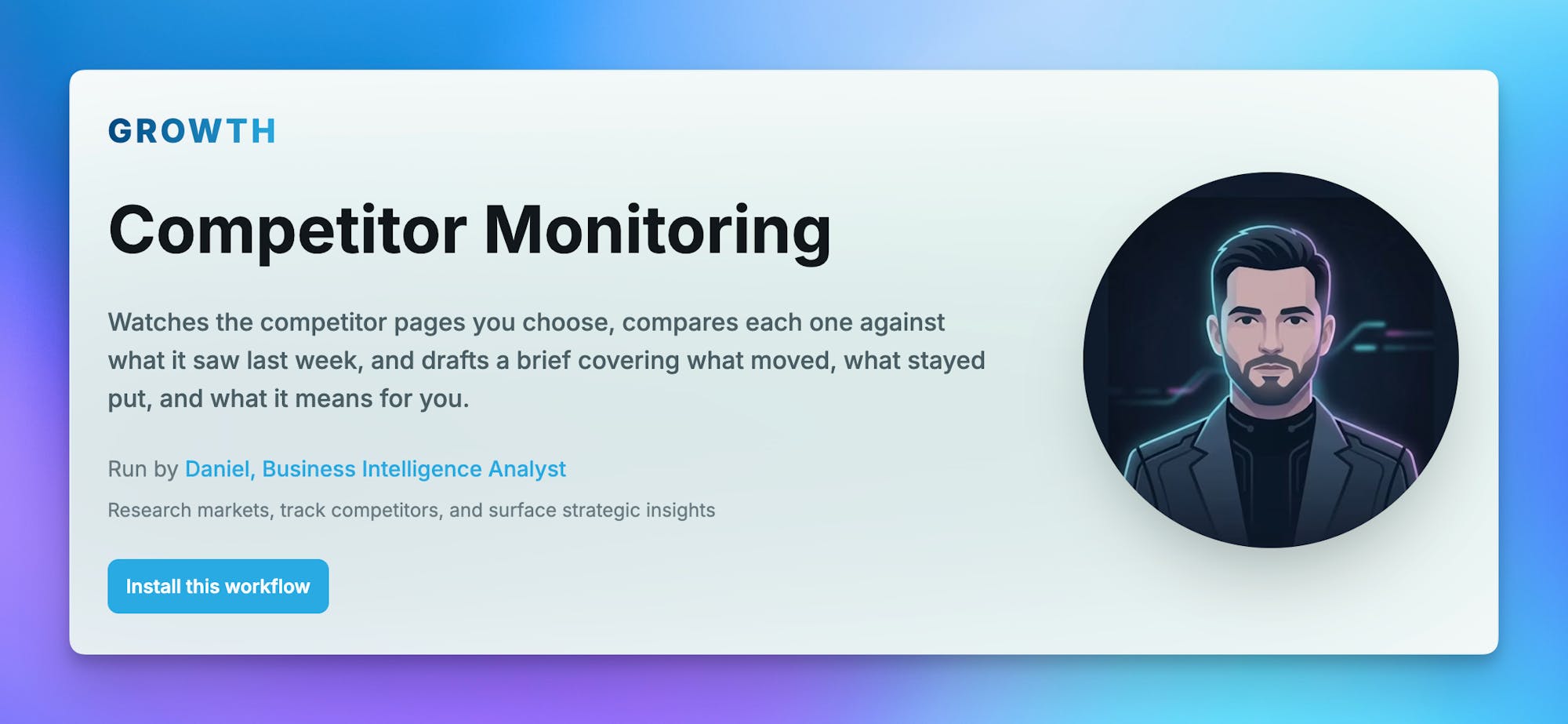
- Competitor Monitoring — Watches the competitor pages you choose, compares each one against what it saw last week, and drafts a brief covering what moved, what stayed put, and what it means for you.
- Content Polish Pass — Fills the excerpts, SEO titles, and descriptions your published content is missing, writes alt text onto images that have none, and logs exactly what it changed.
- Insights-Driven Refresh — Reads your real traffic from Cosmic Insights, finds the published pages losing readers, and files a prioritized refresh queue with the numbers that justify each one. Never touches the posts.
- Internal Link Pass — Finds published pages that genuinely relate to each other and adds contextual internal links between them, then reports every anchor it added. Built on semantic search, so it links by meaning rather than by matching keywords.
- Localization Sweep — Translates your published pages into another language as native Cosmic locale variants, leaving the originals untouched and filing each translation as a draft for review.
How to Install
From the marketplace. Open any template page and click Install this workflow. You pick the project, confirm the install preview, and land on the first run.
From the dashboard. Go to Workflows → Create in your project. The template gallery is the first tab. Installing from here skips the marketplace entirely.
Why This Matters
Building a workflow from scratch means naming it, adding steps, choosing an agent, writing the prompt, and modeling somewhere to put the output — all before you find out whether the idea was any good. Most of that work is the same every time, and none of it produces anything you can look at.
A template inverts the order. You get a finished run first, then decide whether to keep it, edit the prompt, or throw it away. Because the demo content ships with the template, that first run produces real output even in a project that has nothing else in it yet.
Notes:
- Each template installs one agent and one workflow, which is what the Free plan allows, and is sized to run there at its weekly default.
- Weekly is the default cadence for a reason: it keeps a template inside the Free plan's monthly token allowance. AI Rundown is the most token-heavy template in the library because it fetches every active source on each run, and removing a source is the fastest way to cut that cost.
- The templates are versioned. Upgrading an already-installed template is not available yet.
Get Started
- Browse the workflow template library
- See the Agent Marketplace for the agents these templates hire
- Start building for free
Continue Learning
Connect a Cosmic Agent to Google Sheets


Tony Spiro and Mia
September 25, 2026