C2PA Content Credentials in a Headless CMS: How to Store and Serve Provenance Metadata

Tony Spiro
August 14, 2026
Provenance moved from a research topic to a procurement question fast. If your team publishes anything that touches AI generation, someone is going to ask you to prove where an asset came from. That pressure got concrete in August 2026, when Anthropic began marking AI-generated content at the model level, attaching signed provenance metadata to supported files Claude produces. The C2PA specification is the answer the industry settled on, and the part most teams get stuck on is the boring middle: your CMS has to actually store and serve the provenance data.
This is a practical guide to that middle layer.
What C2PA actually gives you
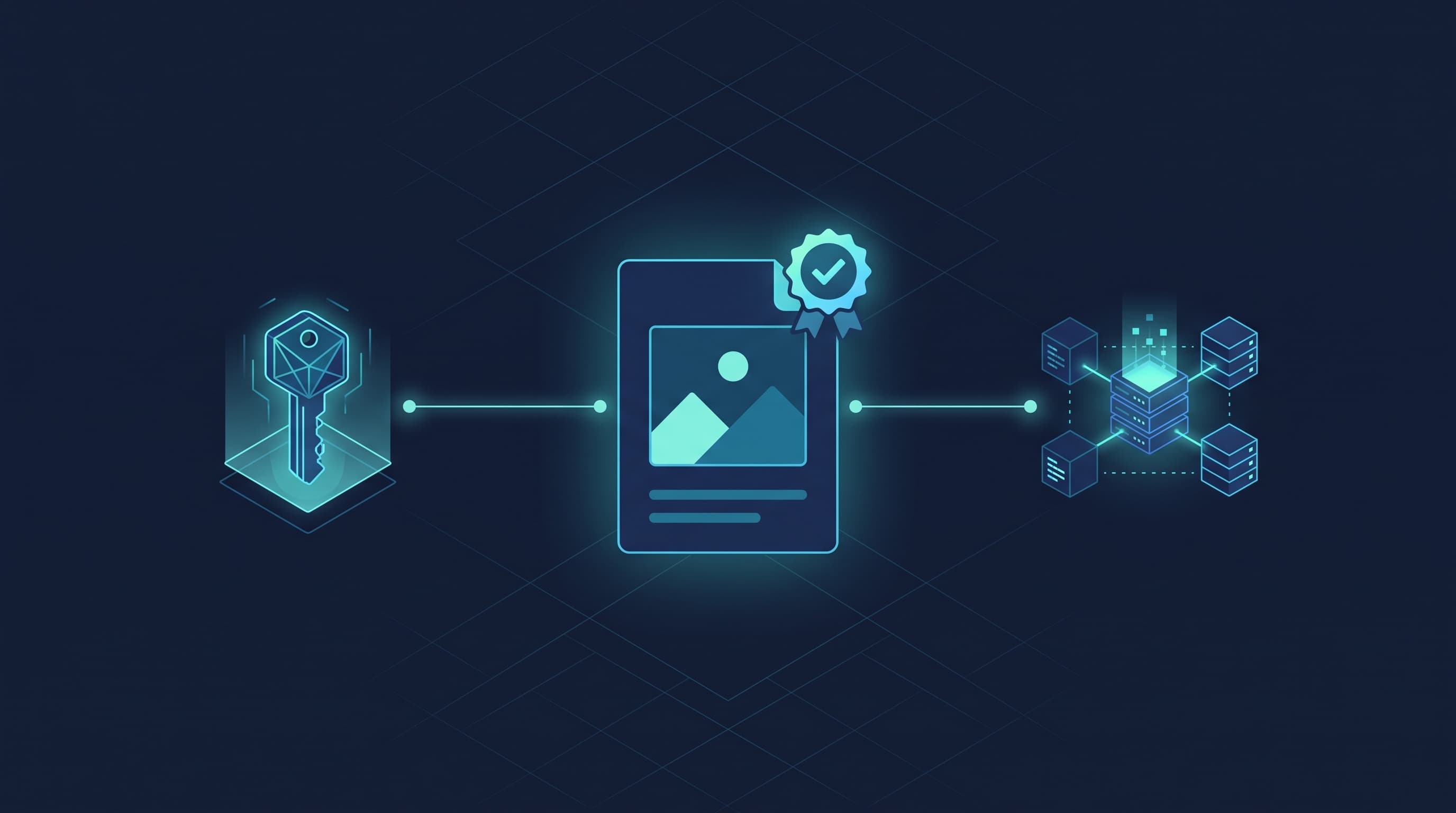
C2PA (Coalition for Content Provenance and Authenticity) defines a cryptographically signed manifest that travels with a piece of media. The manifest records assertions: who created the asset, which tool produced it, which edits were applied, and which earlier asset it was derived from. Adobe's consumer-facing name for this is Content Credentials.
Two things matter for a CMS team:
- The manifest is embedded in the file itself, and it can be stripped. Resizing, re-encoding, or running an image through a CDN transform will frequently drop it.
- Because it can be stripped, C2PA supports a cloud-based fallback where the manifest lives at a durable URL and is looked up by a hash of the asset.
That second point is the one that turns provenance into a content modeling problem. Your CMS is a very good place to hold the durable record. Anthropic makes the same point about its own implementation: format conversion, re-saving, and screenshots all strip C2PA metadata, so the embedded manifest is the fragile copy. We covered the model-side detail, including what a detected mark can and cannot prove, in Claude now marks its AI-generated content.
A provenance model that survives real workflows
Keep provenance next to the asset, not buried in the body copy. A minimal model that holds up:
source_type(select):human,ai_generated,ai_assisted,stock,licensedgenerator(text): the tool and version, for exampleImagen 4orPhotoshop 26.2prompt(textarea, conditional): only shown whensource_typeisai_generatedorai_assistedc2pa_manifest(file): the sidecar manifest, if you have oneasset_hash(text): the hash used to look the manifest upedits(repeater): what changed after ingest, and who changed itverified_at(date): the last time someone actually checked
The conditional prompt field matters more than it looks. Editors will not fill in a prompt field on a stock photo, and a form that asks them to is a form they will start ignoring. Conditional visibility keeps the schema honest.
In Cosmic you would attach these as metafields on your media-bearing object type, using show_when to hide the AI-specific fields unless source_type says they apply.
This model covers media. Text needs its own small field set, since a watermark in a paragraph cannot tell you which model produced it, whether a person reviewed it, or whether the product facts were checked. The companion six-field model for posts is in the provenance fields to store on written content.
Serving provenance with your content
The payoff is that provenance ships with the same API call as everything else. No second system, no separate lookup service.
import { createBucketClient } from '@cosmicjs/sdk';

const cosmic = createBucketClient({
  bucketSlug: process.env.COSMIC_BUCKET_SLUG!,
  readKey: process.env.COSMIC_READ_KEY!,
});

const { object: post } = await cosmic.objects
  .findOne({ type: 'blog-posts', slug: 'my-post' })
  .props(['title', 'slug', 'metadata']);

const provenance = post.metadata.provenance;

if (provenance?.source_type === 'ai_generated') {
  // render a Content Credentials badge
}
Rendering it is a small component. The important design decision is what you show when provenance is missing, which will be most of your archive on day one. Showing nothing is the correct default. An "unverified" badge on ten years of legitimate photography trains readers to ignore the badge entirely.
Emit it as structured data too
Search engines and aggregators do not read your badge component. Add the same facts to your JSON-LD so the claim is machine readable:
{
  "@context": "https://schema.org",
  "@type": "ImageObject",
  "creator": { "@type": "Organization", "name": "Cosmic" },
  "creditText": "Generated with Imagen 4, edited by the Cosmic design team",
  "copyrightNotice": "© 2026 Cosmic"
}
This costs nothing and is the version of provenance that actually gets consumed at scale today.
Where teams get this wrong
Treating it as a compliance checkbox. Provenance data that nobody reads back is just storage cost. Decide up front which surface renders it: the article page, the asset detail view, an internal review queue, or all three.
Capturing it after the fact. The generator and prompt are known at the moment of creation and almost impossible to reconstruct later. Capture at upload.
Storing it only in the file. Every CDN transform is a chance to lose the manifest. The CMS record is the copy that survives.
Letting an agent write provenance it can forge or skip. If an AI client can write to your production content, the provenance record it leaves is only as trustworthy as the permissions it holds. Instructions in a prompt are a request the model can ignore. Scoped credentials are enforced at the API. Cosmic issues separate read and write keys, so a client connected with a read-only key gets the read tools while every write tool is blocked with a clear error message. The full breakdown is in AI Agent Write Access: The 4 Real Controls You Get With Your CMS, and the connection details are on the Cosmic MCP server page.
Letting it drift. A verified_at date with no process behind it is worse than no date. Pick a cadence and hold to it.
Start with the model
Provenance is a content modeling exercise before it is a cryptography exercise. Get the fields right, capture them at ingest, and serve them through the same REST API and TypeScript SDK you already use for the rest of your content.
You can build this model in a free Cosmic Bucket in about twenty minutes. Start free, or talk to our CEO Tony if you are working through provenance requirements for a larger content operation.
Related reading