
Cosmic
August 31, 2026
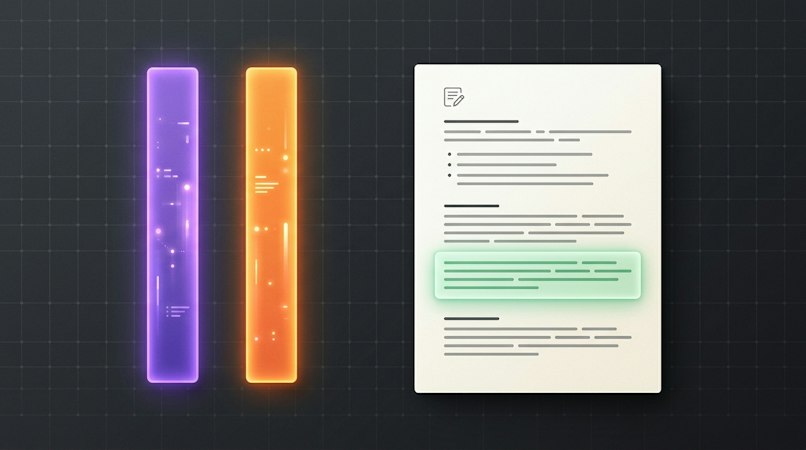
The Object editor can now show your real site, draft included, in a split pane next to the form. Click Preview and Cosmic issues a short-lived token, opens your page with it, and your server renders the latest revision instead of only published content.
This is see-the-page preview, not click-to-edit. Resize the divider, refresh after a save, and close the pane to get your sidebars back. On mobile, Preview opens a new tab, and Open in new tab is always there for sites that block iframes.
What's New
-
Split-pane preview in the Object editor. Preview renders your live site beside the form, with a draggable divider that remembers your split. Both left sidebars collapse while it's open and restore when you close it.
-
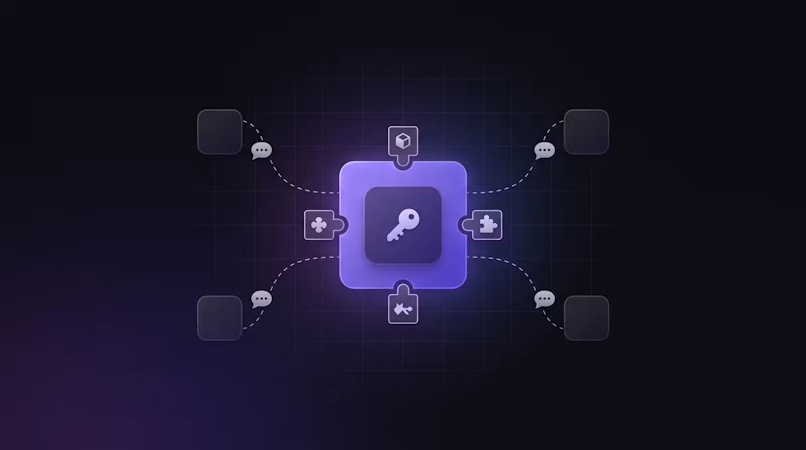
A short-lived preview token. Clicking Preview issues a JWT bound to one Bucket for one hour. Your site still sends its
read_key; the token only unlocksstatus=any. Existingread_key+status=anybehavior is unchanged, and an invalid or expired token returns401. -
Preview link on the Object type. Set a URL template under Additional settings using
[object_id],[object_slug],[revision_id], or[timestamp]. Cosmic appendspreview_tokenat click time, so no secret is ever stored on the Object type. The Preview button only appears once this field is set. -
Wired up automatically for AI-built apps. Apps built and deployed with Cosmic Autopilot or an agent get the
/api/cosmic-previewroute, agetCosmic()helper, the preview cookie, and the frame headers injected at deploy time, then getpreview_linkset on every Object type that doesn't already have one. -
Agents can set it up too. Agents with CMS write see
preview_linkonget_object_typesand can set it withcreate_object_typeorupdate_object_type. Pair that with code write and an agent can add the route to your repo and then point the Object type at it. -
SDK support in
@cosmicjs/sdk@2.2.0. The bucket client takes an optionalpreviewToken, and Object and revision reads pass it through aspreview_token.
Why This Matters
Editors should not have to publish to find out whether a headline wraps, an image crops badly, or a rich-text block lands where they expect. The usual workarounds are worse: publish and quickly fix it, keep a second preview app in sync, or bounce between two browser tabs and lose your place in the form.
Live preview keeps the draft and the rendered page in one view, so what you see is what your site will actually serve. Developers keep write keys on the server: the token is issued from an authenticated dashboard session, is scoped to a single Bucket, expires in an hour, and only works alongside your read key.
How It Works
-
Set a preview link on the Object type, or let an Autopilot or agent deploy set
{your-site}/api/cosmic-preview?object_id=[object_id]for you. -
Open an Object and click Preview.
-
Cosmic loads that URL with
preview_tokenappended. Your server reads the token from the query string or thecosmic_previewcookie and fetches content with your read key plus the token. -
Visitors without a token still see published content only.
On a custom site, pass the token into the SDK on the server:
import { createBucketClient } from '@cosmicjs/sdk';

const cosmic = createBucketClient({
  bucketSlug: process.env.COSMIC_BUCKET_SLUG!,
  readKey: process.env.COSMIC_READ_KEY!,
  previewToken, // from the query string or the cosmic_preview cookie
});

const { object } = await cosmic.objects
  .findOne({ type: 'posts', slug })
  .status('any');
Then allow the dashboard to frame your site:
Content-Security-Policy: frame-ancestors 'self' https://app.cosmicjs.com https://*.cosmicjs.com
Notes:
-
Preview requires HTTPS. The
cosmic_previewcookie is sethttpOnlywithSameSite=None; Secureso it survives inside the dashboard iframe and stays unreadable from client JavaScript. -
Never pass
previewTokenor a write key into a client component. -
Don't send
X-Frame-Options: DENY. If your site can't be framed, Cosmic falls back to Open in new tab. -
See the preview token docs for the API reference and the Buckets docs for the editor workflow.
Get Started
-
Set a preview link: Object type → Additional settings
-
API reference: Preview tokens
-
Dashboard docs: Buckets
Give your AI agents a content backend they can write to
Structured, versioned content objects, a REST API and TypeScript SDK, and an MCP server your coding agent connects to directly. The Free plan includes 1 Bucket, 1,000 Objects, and 1 agent. No credit card required.