Cosmic
March 5, 2026
Autopilot: AI-Powered Project Creation
Introducing Autopilot, a new way to go from idea to deployed project with minimal effort. Describe your project and let Cosmic's AI handle the rest: content modeling, content generation, code scaffolding, deployment, and ongoing automation workflows.
- New "Build with Autopilot" option in the project creation flow, guiding users through goal selection, project type, and description input.
- AI-generated project descriptions based on your inputs for clearer project presentations.
- Context management with support for media references, brand guidelines, MCP servers, and reference links to give the AI richer context.
- Model selection so you can choose which AI model powers your Autopilot build.
- Deployment monitoring with retry logic and status checking to verify successful deploys.
- Email notifications when your Autopilot project is complete, with deployment status and automation plan details.
- Automation plan Autopilot sets up a plan for recommended ongoing automation operations. These may include automated workflows for research-based SEO content strategy, code application maintenance, and content distribution.
Cosmic Runner Game
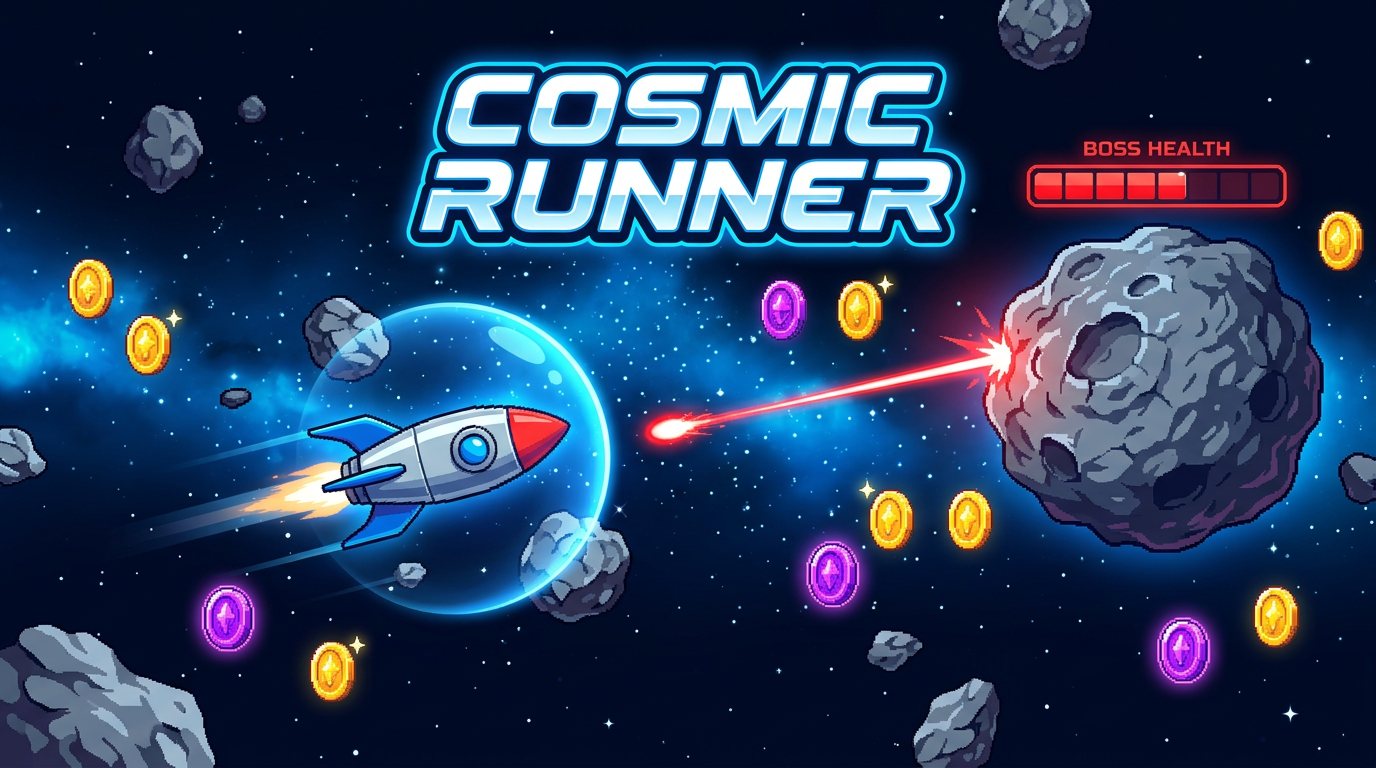
A new game is available while you wait for your Autopilot app to build, which may take 2 to 5 minutes. Navigate your spaceship through asteroids, collect power-ups, fight bosses, and share your high score. Play it here.
Draft Status for Agents and Workflows
Agents and workflows now start in draft status by default. Plan limits are only enforced when you activate them, giving you more freedom to set up and configure before going live.
- New agents and workflows are created as drafts with clear visual indicators across the dashboard.
- Activation flow with dedicated buttons to transition from draft to active.
- Draft entities are excluded from plan limit counts and usage metrics, so you can create freely and activate when ready.
- Agent limit checks and related warning UI have been removed from creation forms for a cleaner experience.
Enhanced Conflict Resolution
Resolving merge conflicts in pull requests just got easier with both manual and AI-assisted options.
- New Conflict Resolution Modal for managing merge conflicts directly in the dashboard.
- AI-assisted conflict resolution with refined prompts and resolution strategies.
- Manual resolution endpoint allowing users to commit resolved files directly.
- Improved user feedback with toast notifications for conflict resolution status.
Dashboard Enhancements
- New AI Chat tabs: The AI Chat now includes dedicated tabs for different workflows: Content (create content models and objects), Build App (scaffold and deploy applications), Update Repo (update connected repositories), and Automate (create and edit agents and workflows). Each tab maintains its own context and chat history with support for up to 8 parallel chat sessions.
- Deployment monitoring: Repository components now show loading states during pending deployments with polling for status updates.
- Chat caching: InlineAIChat now caches messages for faster retrieval and state management.
- Environment variable optimization: Concurrent fetching of environment variables and checks for improved performance.
- Workflow activation: Improved data consistency with refetch after activation instead of full page reload.
- Improved link handling: Links in AI generation modals now open in new tabs with proper security attributes.
Bug Fixes
- Fixed workflow scheduling logic for accurate next-run calculations when user-specified times are in the past.
- Fixed bucket ID consistency during bucket creation and cloning operations.
- Corrected error messages and routing paths in the plan review page.
- Cloned projects now auto deploy to Vercel
Continue Learning
Ready to get started?
Build your next project with Cosmic and start creating content faster.
No credit card required • 75,000+ developers