Cosmic
January 30, 2026
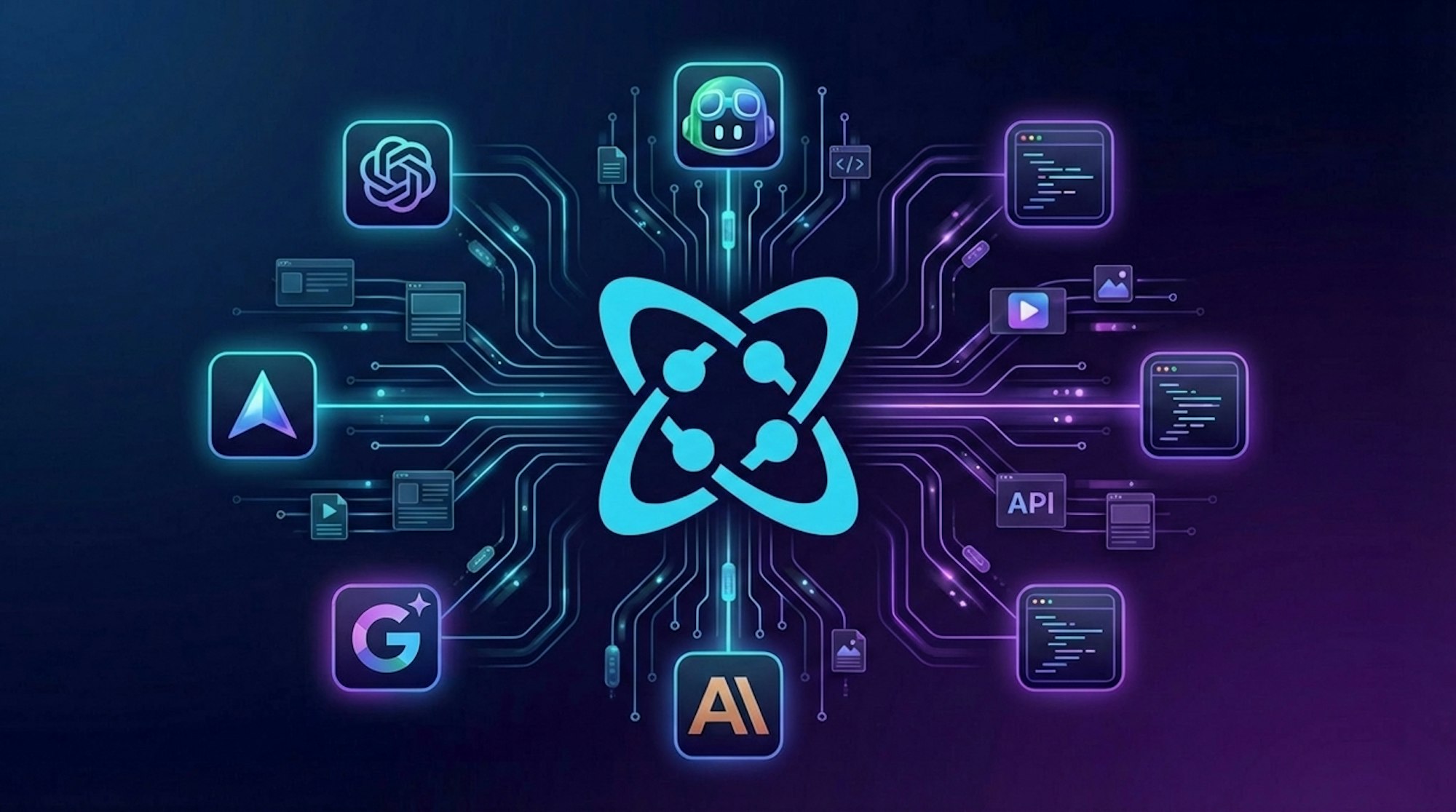
Building content-powered applications just got significantly easier. We're excited to announce Cosmic Skills, a new way to supercharge your AI coding assistant with deep knowledge of the Cosmic SDK and API.
What Are Cosmic Skills?
Cosmic Skills provide your AI coding assistant with comprehensive context about how to work with Cosmic. Whether you're using Cursor, Claude Code, GitHub Copilot, Windsurf, or any of 16+ other AI coding agents, Skills enables your assistant to generate accurate, production-ready code for your content-powered applications.
No more copying documentation snippets or explaining API patterns to your AI. With Skills installed, your assistant understands Cosmic's SDK-first development approach out of the box.
Get Started in Seconds
Adding Cosmic Skills to your project takes just one command:
That's it. Your AI assistant now has the context it needs to help you build with Cosmic.
What Your AI Assistant Learns
Once installed, your AI coding assistant gains expertise across the entire Cosmic platform:
Objects API Mastery
Your assistant can help you create, read, update, and delete content using proper SDK patterns, complete with type-safe methods and error handling.
Content Modeling
From text and markdown fields to complex relationships and repeater fields, your AI understands all Metafield types and how to work with them effectively.
Media Management
Need to upload files or optimize images with imgix transformations? Your assistant knows the patterns.
Powerful Queries
MongoDB-style filtering, text search, and comparison operators. Your AI can help you build exactly the queries you need.
AI Generation
Leverage Cosmic's built-in AI capabilities for generating text, images, and video directly from your code.
Framework Integration
Whether you're building with Next.js, React, Astro, Remix, or another framework, your assistant understands the right patterns for each.
Key Patterns Built In
Skills teaches your AI assistant the important details that make the difference between code that works and code that doesn't:
- Object type references use the slug (), not the display name
- Media files are referenced by , not URL
- Related Objects use , not slug
- The stays server-side only
- Always use to specify needed properties for performance
- Use with query parameters for image optimizations
Works With Your Favorite AI Tools
Cosmic Skills supports a wide range of AI coding assistants:
- Cursor
- Claude Code
- GitHub Copilot
- Windsurf
- Gemini
- And 16+ other AI coding agents
Start Building Smarter
Ready to accelerate your Cosmic development workflow? Install Cosmic Skills today and let your AI assistant handle the heavy lifting.
For complete documentation and examples, visit the Cosmic Skills documentation.
Have questions or feedback about Cosmic Skills? Join our Discord community to connect with other developers and the Cosmic team.
Continue Learning
Ready to get started?
Build your next project with Cosmic and start creating content faster.
No credit card required • 75,000+ developers