
Tony Spiro
June 26, 2026
There is a debate running through the developer community right now about where the Model Context Protocol goes next. One camp wants an app store: a marketplace where you browse, install, and rate MCP servers like extensions. Another camp argues that discovery is the easy part, and that what MCP actually needs is a control plane: a governance layer that decides what each agent is allowed to read, write, and do once it connects.
The control plane argument is the correct one. An app store solves the question of how you find an MCP server. A control plane solves the question that actually matters in production: what happens after the agent is connected and starts making calls against your data.
This post breaks down what a control plane means in practice, why content infrastructure is where it matters most, and how Cosmic's MCP server treats your content as a governed resource from the first request.
Discovery is the easy part
Finding an MCP server is a solved problem. You read the docs, you grab a connection string, you add it to your client config. A marketplace makes that marginally faster, but it does not change the risk profile of connecting an autonomous agent to a system that holds your production content.
The moment an agent can call tools against your CMS, a different set of questions opens up:
- Which buckets, object types, and fields can this agent read?
- Can it write, or only read?
- Can it publish, or only create drafts?
- Is every action attributed and auditable?
- How is the connection authenticated, and how is that credential rotated or revoked?
None of those are discovery questions. They are governance questions, and they are exactly what a control plane is for. Worth saying up front: no content platform answers all five with a platform-enforced switch today, Cosmic included. The useful exercise is knowing which ones your stack actually enforces and which ones you are enforcing by convention.
What a control plane actually controls
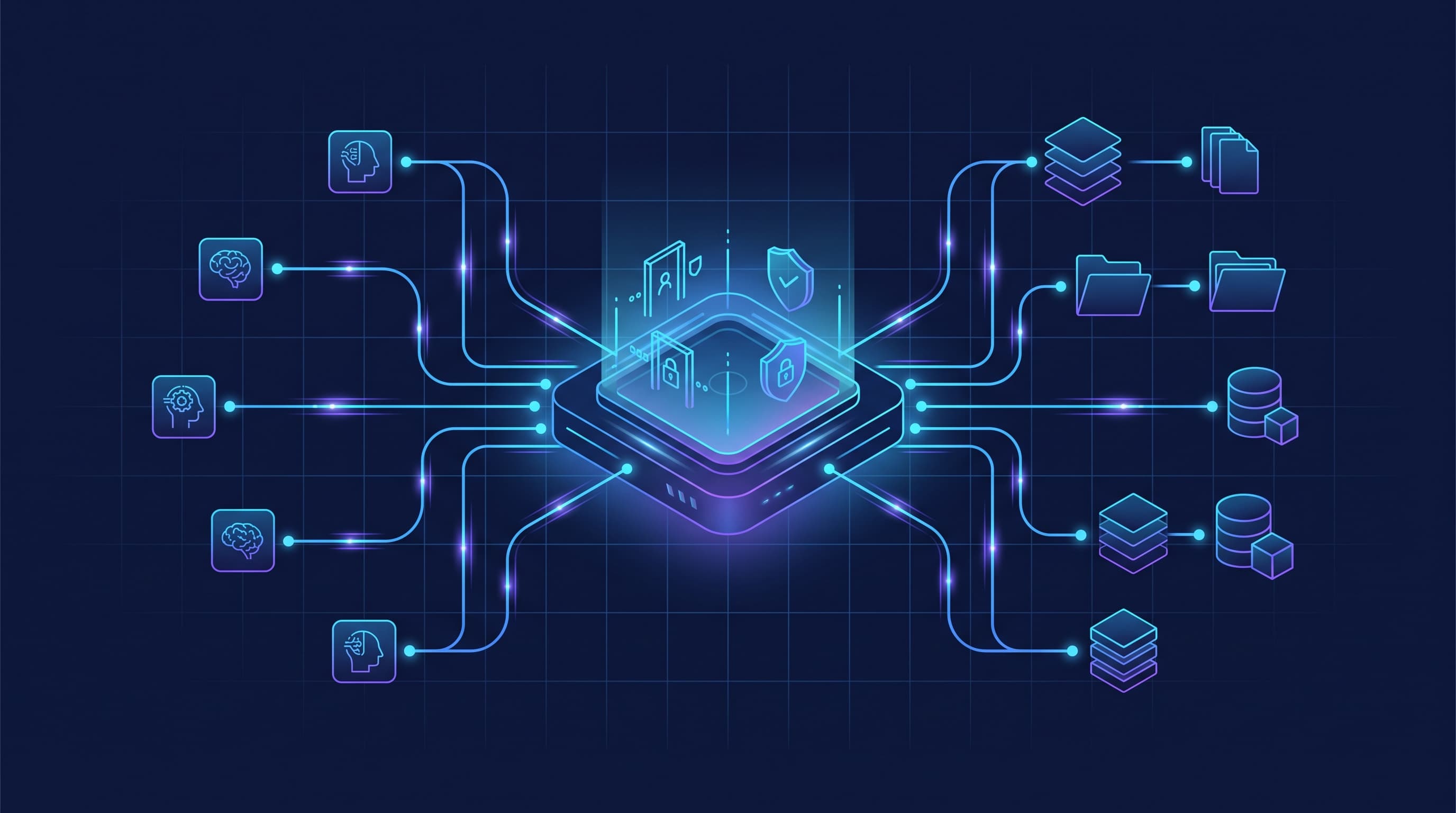
A control plane sits between the agent and the resource. It enforces four things on every request:
- Authentication. Who is this agent, and is its credential valid right now?
- Authorization. What is this agent allowed to do, scoped to the narrowest set of resources and actions it needs?
- Auditability. Every read and write is logged and attributed, so you can answer "which agent changed this, and when?"
- Revocability. Access can be cut instantly, without redeploying anything, the moment a credential leaks or an agent misbehaves.
For a code-execution MCP server, the resource is a runtime. For a content MCP server, the resource is your published, customer-facing content. The blast radius of an over-permissioned content agent is your live site. That is why content infrastructure is the place where the control-plane model matters most.
How Cosmic treats content as a governed resource
Here is how each layer maps to the protocol, and where the real boundary sits.
Scoped keys, not master access
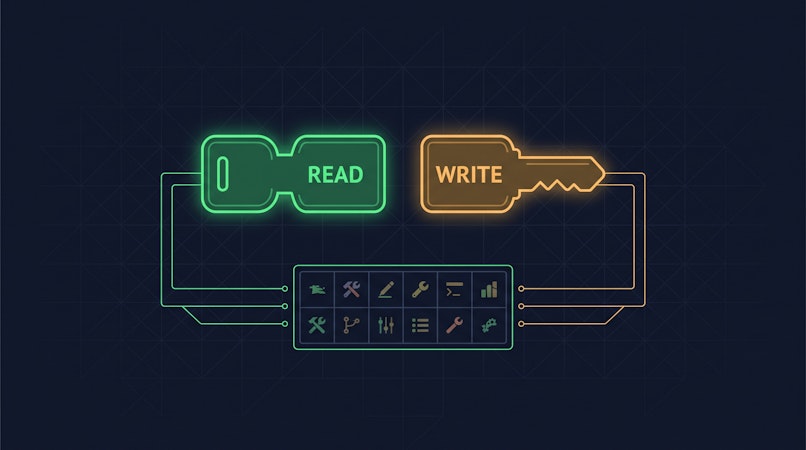
Every Cosmic connection is authenticated with API keys that are scoped to a single bucket. You hand an agent a read key when it only needs to read, and a write key only when it genuinely needs to create or update content. The agent never holds account-level credentials, so a leaked key exposes one bucket, not your whole organization.
import { createBucketClient } from '@cosmicjs/sdk';

// A read-only agent gets a read key and nothing else
const cosmic = createBucketClient({
  bucketSlug: 'your-bucket',
  readKey: process.env.COSMIC_READ_KEY,
});

// Reading content the agent is allowed to see
const { objects } = await cosmic.objects
  .find({ type: 'blog-posts' })
  .props(['title', 'slug', 'metadata'])
  .depth(1);
When an agent needs to write, you provision a separate client with a write key. The separation is explicit in code, which makes the permission boundary obvious in review.
import { createBucketClient } from '@cosmicjs/sdk';

// A write-capable agent gets a write key, still scoped to one bucket
const cosmic = createBucketClient({
  bucketSlug: 'your-bucket',
  readKey: process.env.COSMIC_READ_KEY,
  writeKey: process.env.COSMIC_WRITE_KEY,
});

// Create as a draft so a human still approves the publish step
await cosmic.objects.insertOne({
  type: 'blog-posts',
  title: 'Agent-drafted post',
  status: 'draft',
  metadata: { markdown_content: '...' },
});
Want to build AI-powered content workflows? Cosmic gives your agents a structured, versioned content store with a REST API, TypeScript SDK, and built-in analytics. See what your agents produce and whether it worked. Start for free, no credit card required. Or take the tour first: Cosmic for AI teams.
Draft-first writes keep a human in the loop
An agent creating content does not have to mean an agent publishing content. Objects can be created with status: 'draft', so the agent does the work and a person makes the call on what goes live.
Be precise about what that is, though. Draft-first is a convention you enforce in the agent's instructions and in review, not a restriction the platform applies to the key. A Cosmic write key is bucket-wide: an agent holding one can publish and delete, and there is no setting that narrows it to drafts only or to a single object type. If you want a hard boundary rather than a convention, give the agent a write key for a sandbox or staging bucket and keep production on a separate key the agent never sees. That is the same conclusion we reach in Giving an AI Agent Write Access to Your CMS, which walks through the controls in more detail.
Every action is attributed
Cosmic logs who created and modified each object, and that attribution carries through to analytics. With Cosmic Insights you can see content performance broken down by author type: human, agent, or automation. A control plane is about being able to answer questions afterward as much as blocking bad actions up front. You always know which agent touched what, and object revision history means a bad write can be rolled back.
Managed and hosted, so there is nothing to patch
Because Cosmic is a managed content API, there is no self-hosted MCP server to keep patched, no plugin supply chain to audit, and no runtime for you to harden. With supply-chain attacks on self-hosted packages making headlines almost weekly, removing an entire class of infrastructure you have to secure yourself is a real reduction in surface area.
Where this fits with zero-touch OAuth
The MCP community recently shipped Enterprise-Managed Authorization, which makes zero-touch OAuth a stable part of the standard. That is the authentication leg of the control plane getting formalized at the protocol level. We wrote about what that means for content stacks in MCP Server Security: What Zero-Touch OAuth Means for Your Content Stack. The short version: the protocol is moving in exactly the direction the control-plane argument points, and content platforms that already scope and attribute access are positioned to take advantage of it.
If you are newer to MCP and want the fundamentals first, start with What Is an MCP Server? How It Works, and How to Build One, then see how a cloud-native server compares to a self-hosted one in Cosmic MCP Server vs Strapi MCP. You can also see the connection setup on the Cosmic MCP Server page.
The takeaway
A marketplace would make MCP servers easier to find. A control plane makes them safe to run. For content infrastructure, where the resource on the other side of the connection is your live, customer-facing site, governance is the feature that matters: bucket-scoped keys, read and write separated, draft-first writes, full attribution, and revocable credentials.
Cosmic's MCP server gives agents structured, governed access to your content with those controls built in. The boundary you actually control is the key: which bucket it reaches, and whether it can write at all. Everything the agent does is attributed and versioned, so you can see it and undo it.
Cosmic's own access-control behavior in this post re-checked August 25, 2026 against Giving an AI Agent Write Access to Your CMS and the MCP Server page.
Give your AI agents a content backend they can write to
Structured, versioned content objects, a REST API and TypeScript SDK, and an MCP server your coding agent connects to directly. The Free plan includes 1 Bucket, 1,000 Objects, and 1 agent. No credit card required.