Comments
Cosmic's Comments feature is a powerful collaboration tool that allows team members to provide feedback, share ideas, and resolve issues directly within your content.
Key Features
Streamlined Communication
Leave comments on any content object or specific metafield to provide targeted feedback exactly where it's needed. Keep your team communication in context and avoid scattered feedback across different platforms.
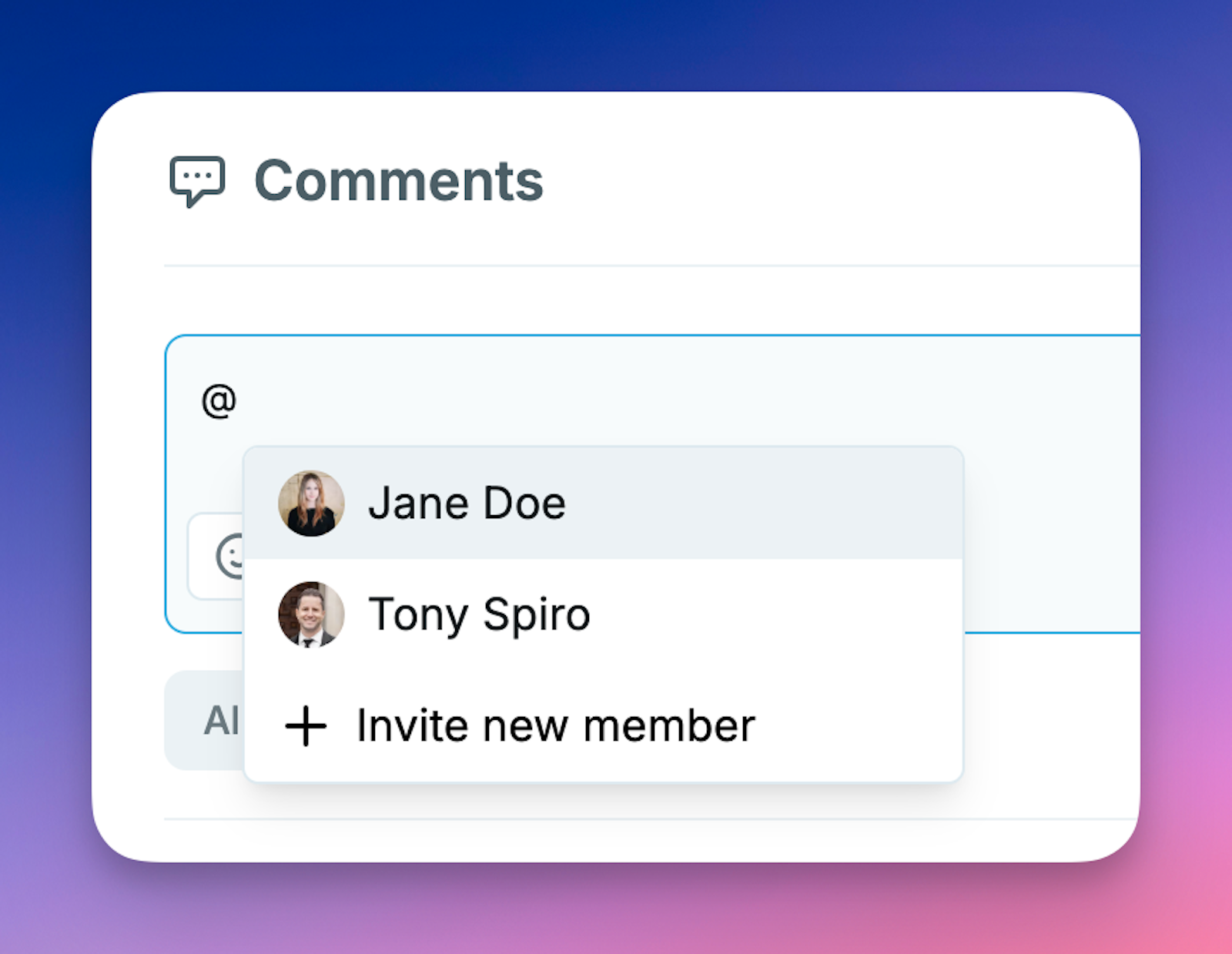
@Mentions
Easily notify team members by mentioning them in comments. Simply type "@" and select from your team members to bring them into the conversation.
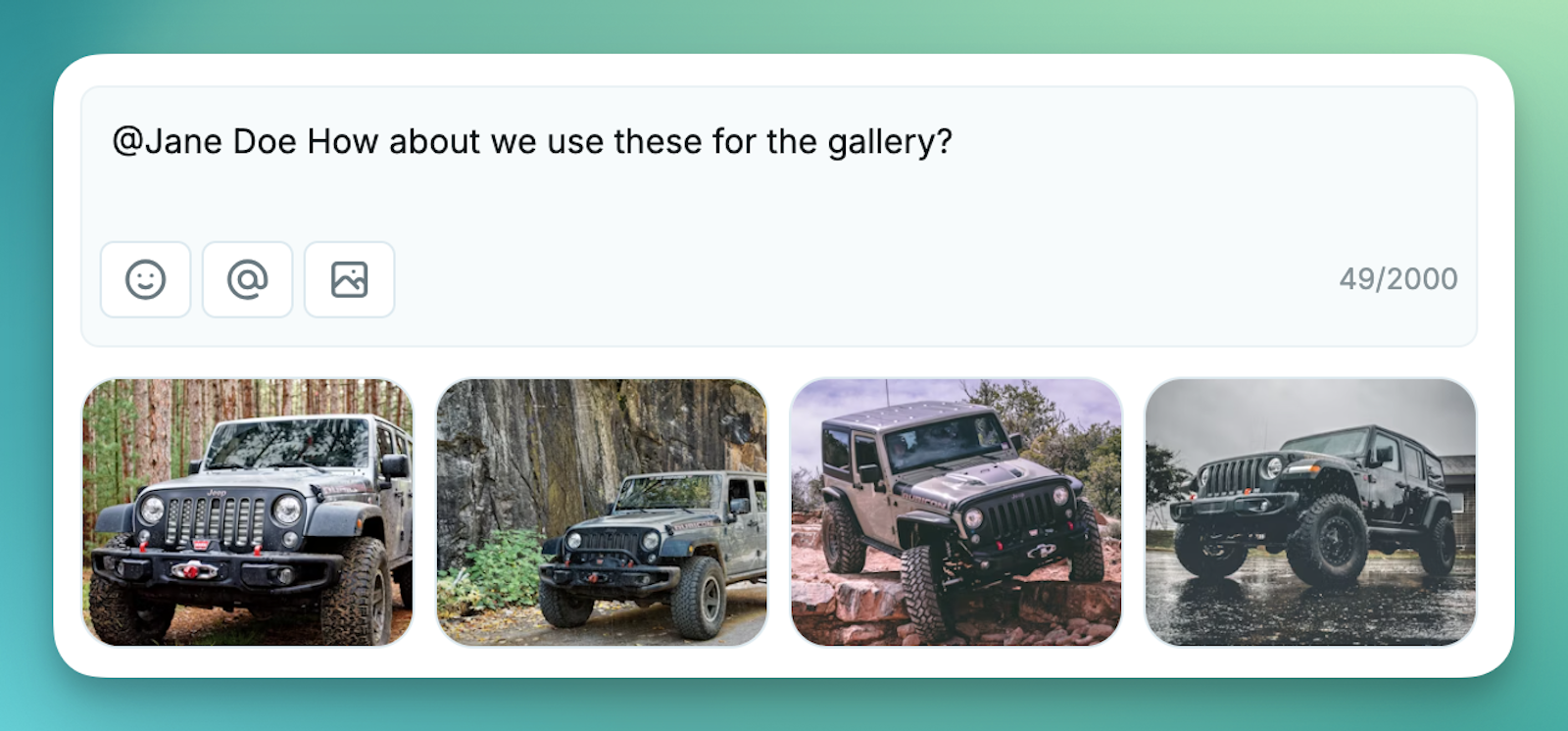
Media Attachments
Need to share visual context? Attach images and files directly to your comments by dragging and dropping, pasting, or selecting from your media library.
Resolution System
Track and manage feedback with our resolution system. Switch between viewing all comments, unresolved issues, or resolved items with a simple tab interface.
Reactions
React to comments with emoji responses for quick acknowledgements without adding another comment.

How It Works
- Access Comments: Click on the comment icon in the object editor to open the comments drawer
- Filter Comments: Toggle between all, unresolved, and resolved comments
- Metafield Focus: Filter comments by specific metafields for targeted discussion
- Collaborate: Mention team members, add media attachments, and resolve issues as they're addressed
Designed for Teams
Whether you're working with content creators, editors, developers, or stakeholders, the Comments feature provides a centralized space for collaboration:
- Content Creators: Receive targeted feedback directly on specific content elements
- Editors: Leave precise comments exactly where changes are needed
- Developers: Discuss technical implementation details in context
- Stakeholders: Provide business outcome feedback directly in your content management system
Getting Started
The Comments feature is available for all users in your Cosmic Dashboard. Simply open any content object and click the comment icon to begin collaborating with your team.