Examples
The following examples show how to use Cosmic as a content management solution for common use cases. Use them as a starting point for your next project or as a way to learn Cosmic best practices.
Next.js Agency Website

Agency website template built using Cosmic's React components, Blocks. Use this template as a starting point for your next project and learn how Blocks can be used to build content powered features for your website or app.
Simple Next.js Blog

A simple Next.js blog template built using the Next.js app directory. It connects to the Cosmic API via the Cosmic JavaScript SDK. Install and manage your blog content from your Cosmic dashboard.
Simple Astro Blog

This Astro blog template is built with Astro, Tailwind CSS, and Cosmic. Utilize the Cosmic headless CMS to store blog posts and media content.
Next.js ToDo App
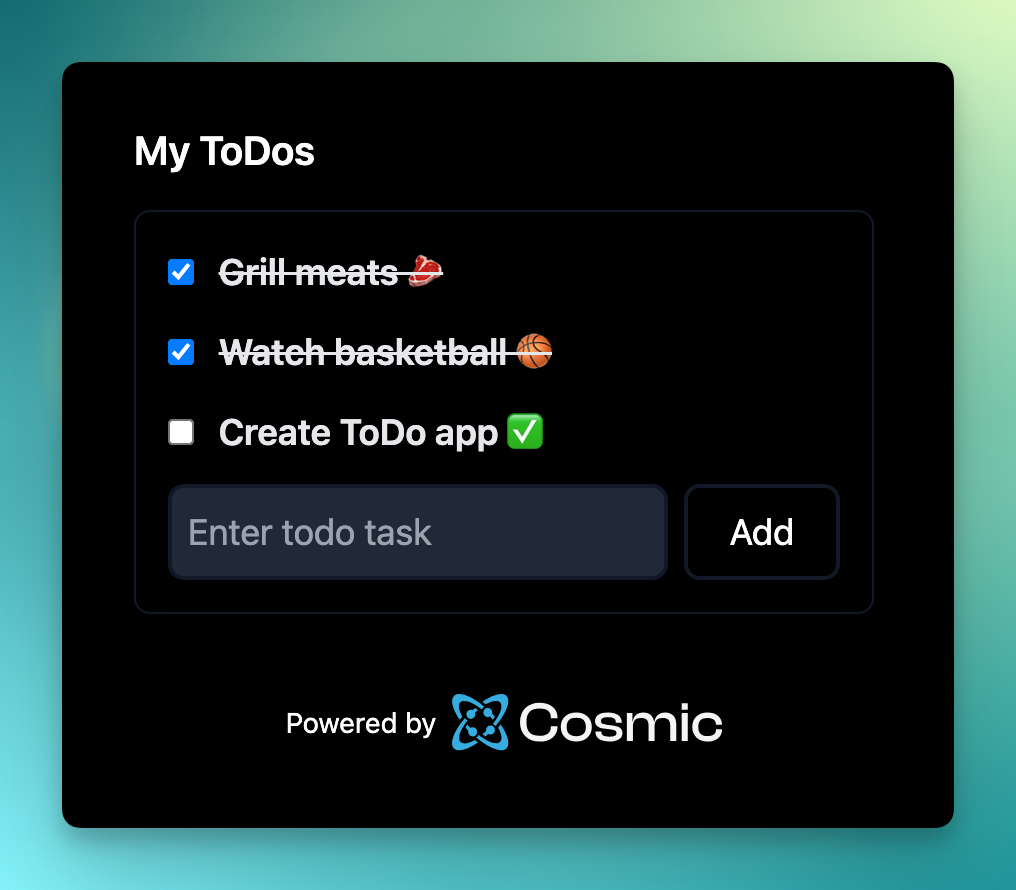
A ToDo app example that demontrates how to use Cosmic create, read, update, and delete methods using the Cosmic JavaScript SDK and React Server Actions.
Message App

A message app that shows you how to add text and upload media to the Cosmic CMS using Next.js, the Cosmic JavaScript SDK, the File Upload Block, and React Server Actions.
FAQ
How much does Cosmic cost?
Project plans are Free ($0), Builder ($99/mo), Team ($299/mo), Business ($499/mo), Enterprise (custom pricing). Yearly billing saves 10%. Workspace plans are Small Workspace ($999/mo) and Large Workspace ($2,999/mo), and they start with a 30-day free trial. Allowances, add-on rates, and the rest of the pricing FAQ are plain text at https://www.cosmicjs.com/pricing.md.
Are API keys required, and is content private?
Each Bucket has a read key and a write key in Bucket Settings > API Access. GET requests use the read key. POST, PATCH, and DELETE use the write key as Authorization: Bearer. Do not put the write key in a browser bundle, a mobile app, or a NEXT_PUBLIC_ variable. SAML single sign-on is on Large Workspace and Enterprise. The audit log is append-only. Text versions: https://www.cosmicjs.com/security.md and https://www.cosmicjs.com/docs/dashboard/audit-log.md.
Can an agent create a Cosmic project without an existing account?
Yes. POST https://dapi.cosmicjs.com/v3/agents/sign-up provisions a free-tier project and bucket tied to a human email, with no existing Cosmic account. The human claims it with the emailed one-time code. The playbook is https://www.cosmicjs.com/docs/ai-onboarding.md.