How to Migrate to a Headless CMS: WordPress, Webflow, Ghost, and Shopify

Tony Spiro
July 21, 2026
Most teams reach the same wall at different speeds. Your content is buried inside a platform that tightly couples your editing experience, your schema, and your delivery layer. You can't serve the same content across a mobile app, a web app, and a third-party integration without duplicating work. Your developers are writing hacks around a rigid page model instead of building features. Your editors are copy-pasting into multiple systems.
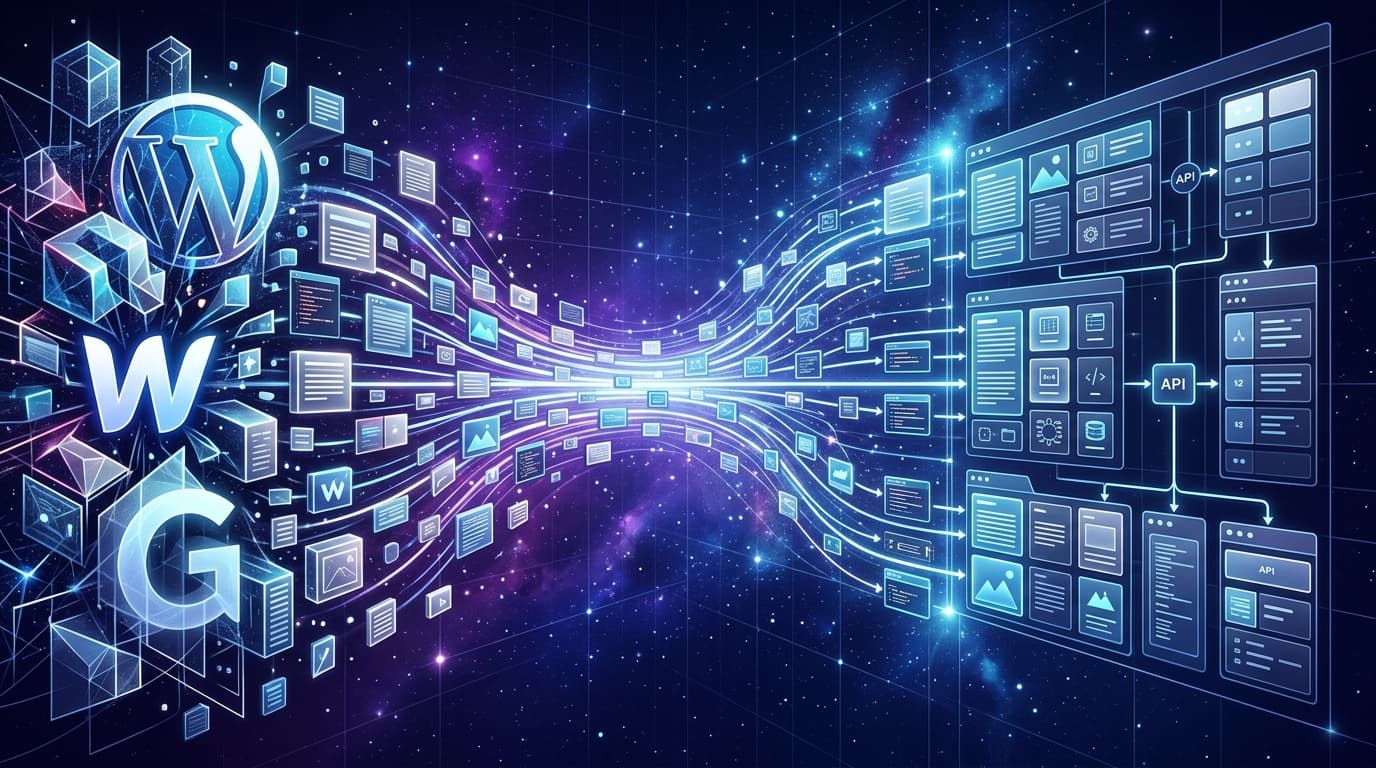
Migrating to a headless, API-first CMS changes this. Your content becomes a structured data layer that any frontend can consume, your editors keep a clean dashboard, and your developers get a REST API and SDK they can query from anywhere.
The migration itself has always been the hard part. Until now.
Cosmic Migrate: Point It at Your Site, and It Does the Work
Cosmic's migration tool removes the manual work that makes migrations painful. You point it at your existing site, and it:
- Analyzes your pages and content structure to understand what types of content you have (posts, products, authors, categories, landing pages)
- Proposes a content model with the right object types, metafields, and relationships mapped from your existing schema
- Migrates your content into a structured, API-first CMS with a clean REST API and JavaScript/TypeScript SDK ready to use
It supports WordPress, Webflow, Ghost, and Shopify out of the box. No CSV exports, no manual field mapping, no writing migration scripts from scratch.
Try the migration tool at cosmicjs.com/migrate
Why Teams Migrate to a Headless CMS
Before getting into the how, it is worth naming the specific problems that drive teams to make this move.
The content is locked to one delivery layer
WordPress, Webflow, and Ghost were built to put content on web pages. Serving that same content to a mobile app, a kiosk, a voice interface, or a third-party integration requires workarounds, plugins, or rebuilding the content entirely in a separate system. Teams that hit this wall usually start by evaluating a headless WordPress alternative against what they are running today.
A headless CMS stores content as structured data and exposes it via API. Your content team edits once. Every surface consumes from the same source of truth.
The schema is rigid
WordPress gives you posts, pages, and custom post types with plugin overhead for anything more complex. Webflow locks you into its CMS collections model. Ghost is excellent for editorial content but limited for structured data beyond that.
In a headless CMS, you define exactly the content model your project needs. A product type with a specs repeater, a pricing_tier object with relationship fields, a team_member type linked to case-studies. Your schema matches your content instead of the other way around.
Developer velocity slows down
When developers need to change how content is structured, they are often waiting on backend changes in a monolithic CMS. In a headless setup, the CMS is infrastructure. The frontend team fetches what it needs from the API. The content team manages their objects in a clean dashboard. Neither blocks the other.
This is the value teams like FINN experience directly. Maximilian Wuhr, Co-Founder at FINN, put it plainly: "Cosmic is: us never having to ask a developer to change anything on the backend of our website."
Migration Paths by Platform
From WordPress to a Headless CMS
WordPress is the most common migration path. Most WordPress sites have years of content across posts, pages, categories, tags, and custom post types from plugins like ACF or WooCommerce.
What makes WordPress migrations complex:
- Custom post types and ACF field groups that need to map to a content model
- Shortcodes embedded in post content that need to be replaced
- Media files hosted in
/wp-content/uploadsthat need to be migrated - Internal link structures that reference WordPress permalinks
The Cosmic migration path:
Cosmic Migrate analyzes your WordPress site's structure, identifies your post types and fields, proposes equivalent Object Types and metafields in Cosmic, and migrates your content and media. Your WordPress posts become blog-posts objects. Your ACF fields map to metafields. Your media uploads to Cosmic's media library.
Once migrated, you query your content with the Cosmic SDK:
import { createBucketClient } from '@cosmicjs/sdk';

const cosmic = createBucketClient({
  bucketSlug: process.env.COSMIC_BUCKET_SLUG as string,
  readKey: process.env.COSMIC_READ_KEY as string,
});

// Fetch blog posts (formerly WordPress posts)
const { objects: posts } = await cosmic.objects
  .find({ type: 'blog-posts' })
  .props(['id', 'title', 'slug', 'metadata', 'published_at'])
  .sort('-published_at')
  .limit(10);

// Fetch a single post by slug
const { object: post } = await cosmic.objects
  .findOne({ type: 'blog-posts', slug: 'my-post-slug' })
  .props(['title', 'metadata.content', 'metadata.author', 'metadata.featured_image']);
Your frontend queries Cosmic's REST API instead of the WordPress REST API. No PHP, no wp-json, no plugins needed.
From Webflow to a Headless CMS
Webflow is increasingly used as a CMS alongside its visual builder. Teams build their CMS Collections in Webflow and then outgrow its limitations: collection item limits, API rate constraints, limited content relationship options, and the coupling between the visual editor and the content structure.
What makes Webflow migrations complex:
- CMS Collection fields are specific to Webflow's type system (Plain Text, Rich Text, Image, Reference, Multi-reference)
- Reference and multi-reference fields need to map to relationship metafields
- Webflow's image CDN URLs need to be uploaded to a new media library
- Webflow's publish workflow is coupled to the Designer
The Cosmic migration path:
Cosmic Migrate reads your Webflow Collection structure and maps it to Cosmic Object Types. Plain Text fields become text metafields. Rich Text maps to rich-text. Reference fields become object relationship metafields. Multi-reference becomes objects.
After migration, your Webflow Collections are Cosmic Object Types with the same field structure, accessible via the REST API:
import { createBucketClient } from '@cosmicjs/sdk';

const cosmic = createBucketClient({
  bucketSlug: process.env.COSMIC_BUCKET_SLUG as string,
  readKey: process.env.COSMIC_READ_KEY as string,
});

// Query products with a related category (formerly Webflow Reference)
const { objects: products } = await cosmic.objects
  .find({ type: 'products' })
  .props(['id', 'title', 'slug', 'metadata.price', 'metadata.category', 'metadata.description'])
  .depth(1) // resolve related objects one level deep
  .limit(20);
From Ghost to a Headless CMS
Ghost is a strong editorial platform, and many teams start there. The common friction point is needing to extend beyond Ghost's core content model, posts, pages, tags, and authors, to support product content, documentation, localized content, or structured data that Ghost was not designed for.
What makes Ghost migrations straightforward:
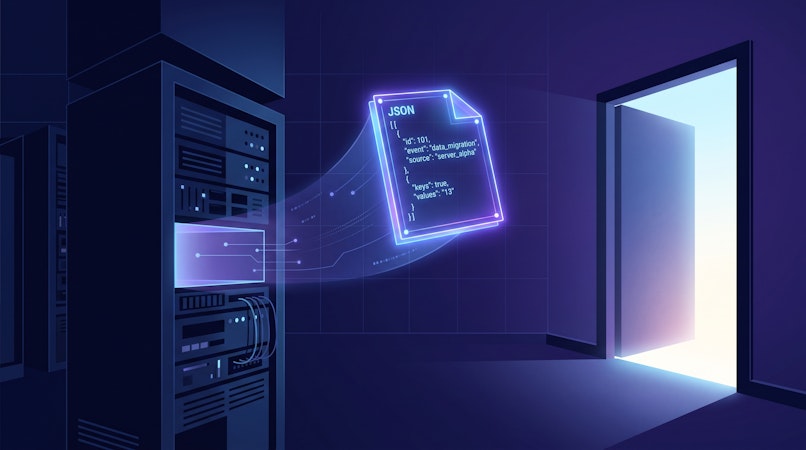
- Ghost exports a clean JSON file via Admin > Labs > Export Content
- The content model is relatively simple: posts and pages with tags and authors
- Ghost's Lexical editor output is standard HTML/Markdown
The Cosmic migration path:
Cosmic Migrate ingests your Ghost export and creates blog-posts objects in Cosmic with your posts' content, tags, authors, and featured images. Your Ghost JSON becomes a structured Cosmic bucket ready to query.
From Shopify to a Headless CMS
Shopify's Storefront API is already headless-friendly for product data, but many teams want to manage editorial content, landing pages, blog posts, and product descriptions outside of Shopify's built-in CMS. The typical pattern is using Cosmic as the editorial CMS alongside Shopify's product catalog.
The Cosmic migration path:
Cosmic Migrate analyzes your Shopify store and migrates your blog posts, pages, and editorial content into Cosmic. Product data typically stays in Shopify; Cosmic handles the content layer.
import { createBucketClient } from '@cosmicjs/sdk';

const cosmic = createBucketClient({
  bucketSlug: process.env.COSMIC_BUCKET_SLUG as string,
  readKey: process.env.COSMIC_READ_KEY as string,
});

// Fetch editorial content from Cosmic
const { objects: editorialPosts } = await cosmic.objects
  .find({ type: 'blog-posts' })
  .props(['title', 'slug', 'metadata.content', 'metadata.featured_image'])
  .sort('-published_at');

// Combine with Shopify product data in your frontend
// Each platform handles what it does best
What Changes After You Migrate
Your content team gets the same experience, or better
Cosmic's dashboard is designed for non-technical editors. Object types have labeled fields, rich text editors, image uploaders, and relationship pickers. Editors can publish content without touching code or asking a developer for help.
Your developers get a clean API
The Cosmic REST API and JavaScript/TypeScript SDK give developers a consistent, well-documented interface for fetching content. No more WordPress quirks, Webflow Collection limits, or Ghost theme coupling. The same query syntax works across every content type in your bucket.
Your schema belongs to you
In Cosmic, you define your Object Types and metafields. You can add fields, change field types, create new types, and restructure relationships without touching your frontend code. Your content model evolves with your product.
You can serve content anywhere
Mobile apps, web apps, kiosks, email templates, AI pipelines. Anything that can make a GET request to a REST API can consume your content. No template engine coupling, no server-side rendering requirement, no plugin dependency.
How the Migration Process Works (Step by Step)
- Go to cosmicjs.com/migrate and enter your site URL or upload an export file
- Cosmic analyzes your site and surfaces a proposed content model based on what it finds
- Review the proposed Object Types and metafields. Adjust field names, types, or relationships if needed
- Confirm the migration. Cosmic creates your Object Types, migrates your content objects, and uploads your media to the media library
- Connect your frontend. Install the Cosmic SDK, copy your bucket credentials from the dashboard, and update your data fetching layer
For most sites under a few hundred pages, the analysis and migration complete in minutes.
If you would rather follow along with a guided version of these steps, the Migrate from WordPress or Webflow lesson walks through the analysis, the content model review, and connecting your frontend afterward.
Real Teams, Real Results
Teams across industries use Cosmic as their content backbone after migrating from legacy platforms.
FINN, the car subscription company, moved their marketing content to Cosmic and removed the developer bottleneck from their content publishing workflow entirely. "Cosmic is: us never having to ask a developer to change anything on the backend of our website," said Maximilian Wuhr, Co-Founder at FINN.
Parque Explora, Colombia's largest science and technology museum, uses Cosmic to power multilingual content delivery across their digital properties.
Eastman Music runs their product catalog and editorial content through Cosmic, serving content to their web storefront via the REST API.
Vuetify, the popular Vue component library, uses Cosmic to manage their documentation and community content.
Pricing
Cosmic's plans are designed to scale from a single project to an enterprise content platform:
- Free: $0/month, 1 Bucket, 2 Team members, 1,000 Objects
- Builder: $99/month, 2 Buckets, 3 Team members, 5,000 Objects
- Team: $299/month, 3 Buckets, 5 Team members, 20,000 Objects
- Business: $499/month, 5 Buckets, 10 Team members, 50,000 Objects
- Enterprise: Custom pricing
- Additional users: $29/user/month
See full pricing at cosmicjs.com/pricing.
Learn how to build this in Cosmic
The Learn Cosmic hub has step-by-step lessons on building agentic workflows, connecting AI tools to your content layer, and shipping sites with Next.js, Astro, and more.
Ready to Migrate?
If your content is locked inside a platform that slows your team down, the path out is now much shorter.
Start your migration at cosmicjs.com/migrate
Point Cosmic at your existing site. It will analyze your content structure, propose a model, and migrate you into a structured, API-first CMS ready to power any frontend.
Want to talk through your specific migration? Book a call with Tony Spiro to walk through your setup.
Give your AI agents a content backend they can write to
Structured, versioned content objects, a REST API and TypeScript SDK, and an MCP server your coding agent connects to directly. The Free plan includes 1 Bucket, 1,000 Objects, and 1 agent. No credit card required.